


Quick Summary
- Windows 11 AI features in 2026 are split between the Microsoft Copilot app and Copilot+ PC-exclusive experiences.
- Copilot+ PCs require a neural processing unit capable of more than 40 TOPS for features such as Recall, Click to Do and improved Windows Search.
- Recall is optional, disabled until the user opts in and protected with Windows Hello.
- Click to Do can identify text and images on screen and offer contextual actions.
- Cortana is not the way to access current Windows AI features; Microsoft retired the standalone Cortana app in 2023.
Windows 11 AI features in 2026 include the Microsoft Copilot app, Copilot Vision and a growing collection of on-device experiences built for Copilot+ PCs. These tools can assist with questions, screen-based guidance, file search, image creation, accessibility and selected system settings.
The original article overstated several capabilities by suggesting that Windows 11 automatically learns every user's behaviour, organises files, schedules tasks and optimises games through a single built-in AI system. Microsoft does not document Windows 11 that way. Feature availability depends on the PC's processor, NPU, Windows version, app version, language, region, account and staged rollout status.
Important Distinction
- Windows 11 PC: Can use the Microsoft Copilot app when available, along with standard Windows productivity and accessibility features.
- Copilot+ PC: A Windows 11 PC with a high-performance NPU designed for exclusive on-device AI experiences.
- Buying any Windows 11 computer does not guarantee access to Recall, Click to Do, semantic search or every AI feature described below.
Windows 11 AI Features in 2026
Microsoft's current Windows AI strategy has two main layers. The first is the Copilot app, which can run on supported Windows PCs and uses Microsoft's online AI services. The second is the Copilot+ PC platform, which runs selected AI workloads locally through a neural processing unit.
As of July 31, 2026, Microsoft's public Windows 11 download page identifies version 25H2 as the current release. Microsoft has announced Windows 11 version 26H2 through the Windows Insider programme as its second-half 2026 feature update, but Insider announcements should not be treated as proof that every 26H2 feature is already generally available to all users.
Copilot App vs Copilot+ PC Features
| Feature | Standard Windows 11 PC | Copilot+ PC |
|---|---|---|
| Microsoft Copilot app | Available on supported systems and markets | Available |
| Copilot Vision | Available through the Copilot app where supported | Available through the Copilot app where supported |
| Recall | No | Yes, as an opt-in preview on supported devices |
| Click to Do | No on ordinary local PCs | Yes on supported Copilot+ PCs |
| Improved semantic Windows Search | Traditional Windows Search | Semantic and traditional indexing |
| Agent in Settings | Not a standard Windows 11 feature | Available on supported Copilot+ PCs, subject to language and rollout |
| Paint Cocreator and selected Photos AI tools | Some general AI tools may exist, but Copilot+ experiences are limited | Exclusive Copilot+ features available with current app versions |
| Live Captions translation | Live Captions without all Copilot+ translation capabilities | Real-time translation on supported Windows versions and languages |
| Automatic Super Resolution | No built-in Auto SR support on ordinary PCs | Supported only on eligible hardware, games and configurations |
Microsoft Copilot on Windows
The Microsoft Copilot app is the main conversational AI experience on Windows. Users can type or speak questions, create content and access supported features such as Copilot Vision. If Copilot is not pinned to the taskbar, Microsoft says it can be installed from the Microsoft Store.
Copilot Vision can analyse a browser window or application that the user chooses to share and provide spoken or written guidance. It does not automatically inspect every app or file on the computer. The user selects what to share for the Vision session.
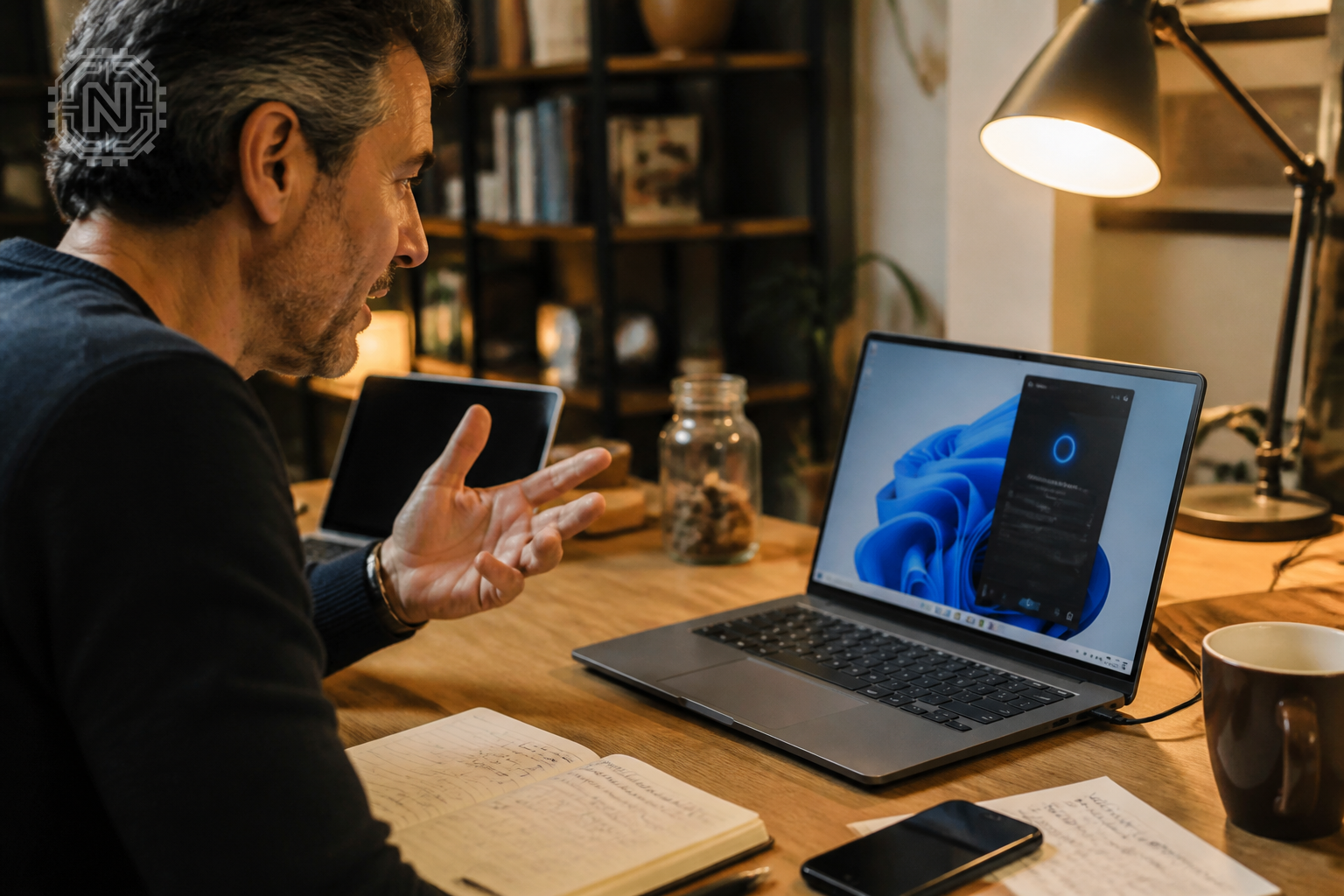
Signing in with a personal Microsoft account unlocks additional experiences such as chat history, voice interaction, image creation and Copilot Vision where available. Work and school environments may use separate Microsoft 365 Copilot policies, accounts and licensing.
Cortana Is Retired
Microsoft retired Cortana voice assistance in Windows as a standalone app in 2023. Current Windows AI guidance should direct users to Microsoft Copilot, Voice Access and other supported Windows features—not Cortana.
Recall: Search Past Activity on a Copilot+ PC
Recall is a Copilot+ PC experience designed to help users find content they previously viewed in apps, websites, images and documents. When enabled, it saves local snapshots of the screen and creates a searchable index.
Recall does not begin saving snapshots by default. The user must opt in through Windows Settings or when opening Recall for the first time. Microsoft requires Windows Hello authentication to access Recall, and the snapshot data and search index are encrypted.
Users can pause snapshot saving, exclude supported apps and websites, remove selected snapshots, set storage limits or turn the feature off. Private browsing activity is filtered in supported browsers, although website filtering capabilities differ by browser.
Recall remains labelled as a preview. Its usefulness and privacy implications depend on the user's settings, workflow and threat model. Organisations can also manage or remove it through IT policies.
Click to Do: Actions for On-Screen Content
Click to Do is a Copilot+ PC feature that recognises text and images visible on the screen and displays relevant actions. It can be opened with Windows key + Q or Windows key + mouse click on supported systems.
Depending on the selected content, available actions can include copying text, searching the web, summarising or rewriting text, creating a bulleted list, opening content in another app, removing an image background or asking Copilot about what is selected.
Not every action is available on every device, account, language or region. Some actions also rely on Microsoft apps, online services or Microsoft 365 licensing.
Improved Windows Search with Semantic Indexing
Improved Windows Search on Copilot+ PCs combines traditional indexing with semantic indexing. This allows users to search supported local documents and images with natural descriptions instead of remembering exact file names.
For example, a user could search for a concept shown in a photo or for words related to the meaning of a document. Microsoft lists supported formats including common Office documents, PDFs, text files and standard image formats.
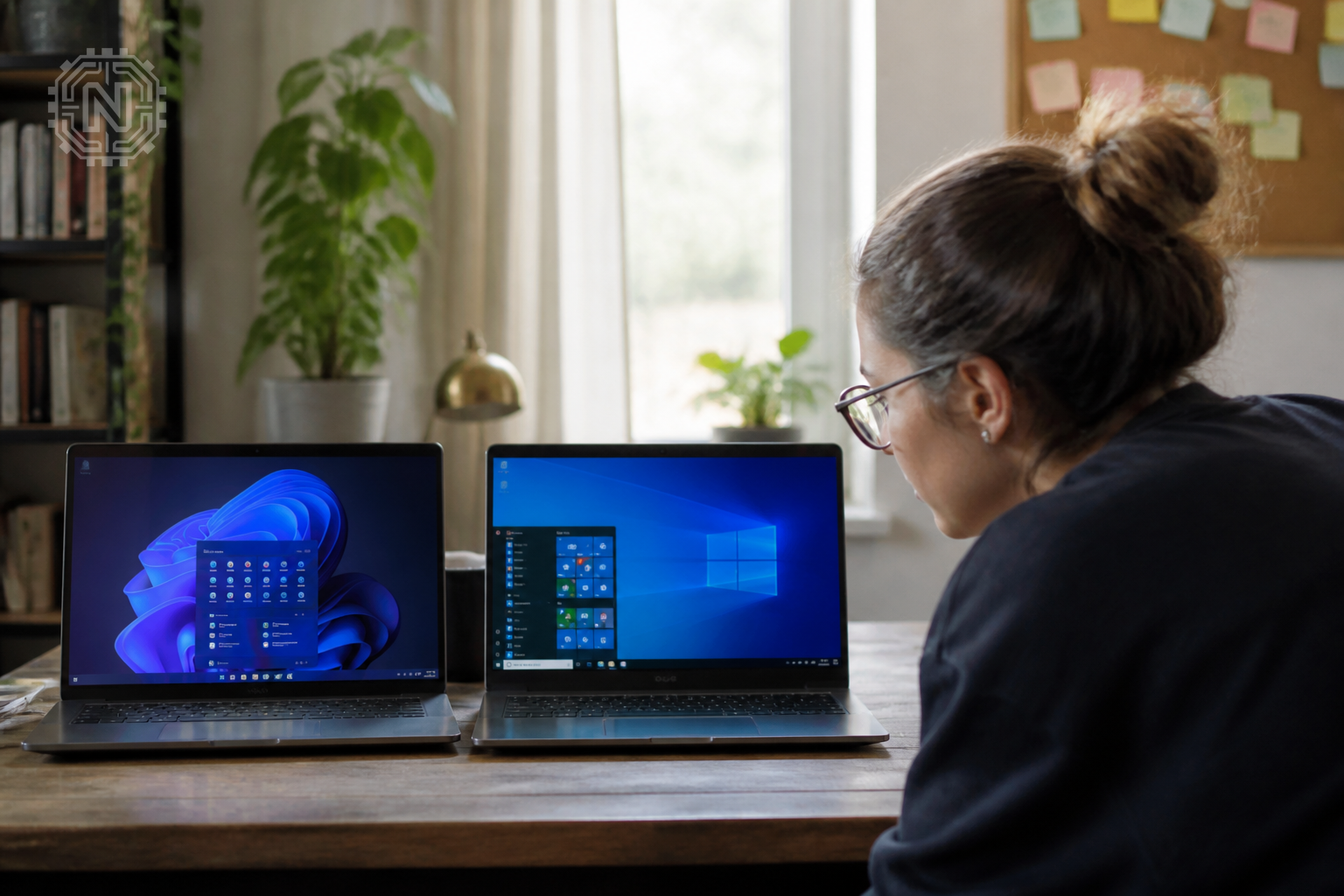
Microsoft says semantic-indexing data is stored locally on the PC and is not used to train its AI models. Search coverage still depends on indexed folders, supported file types, language support and whether initial indexing has completed.
Agent in Settings
The agent in Settings lets users describe a problem or desired change in natural language. On supported Copilot+ PCs, it can recommend the relevant setting and, with the user's permission, perform selected changes.
Examples provided by Microsoft include asking how to control the PC by voice, making the mouse pointer larger, enabling quiet hours or changing display resolution. The feature does not have unrestricted control of Windows; it acts only within supported settings and requires user initiation or approval.
Availability began on Snapdragon-powered Copilot+ PCs and expanded to AMD- and Intel-powered Copilot+ PCs. Language support and rollout timing vary, so a compatible device may not show the feature immediately.
AI Features in Paint and Microsoft Photos
Copilot+ PCs support exclusive creative tools in Microsoft Paint and Photos when the latest app updates are installed.
Paint Cocreator and Object Select
Paint Cocreator combines a text prompt with the user's sketch to generate an image. Object Select uses AI to identify and isolate elements in artwork or photos, making them easier to move, copy or edit.
Microsoft requires a Microsoft account and internet connectivity for safety services used by some Paint AI tools, even when generation uses the NPU locally. Cocreator is optimised for English prompts, and output quality can vary.
Photos Restyle Image, Image Creator and Relight
Restyle Image can apply a generated visual style to a selected photo, while Image Creator generates images from text. Relight lets users change the direction, colour and intensity of simulated lighting in a photo.
These are Copilot+ PC features and may have account, market or app-version limitations. AI-generated or transformed images should be reviewed for factual accuracy, copyright, privacy and misleading edits before publication.
Live Captions Translation and Windows Studio Effects
Live Captions can display captions for audio playing through the PC. On Copilot+ PCs running Windows 11 version 24H2 or later, Microsoft also supports real-time translation for selected input and output languages.
Caption accuracy depends on audio quality, speaker clarity, background noise, accents and language support. Automated captions and translations should not be treated as perfect transcripts for legal, medical or other high-stakes use.
Windows Studio Effects uses the NPU to improve supported camera and microphone experiences. Available effects can include background blur, automatic framing, eye-contact correction, portrait lighting and Voice Focus. Exact options depend on the processor, camera and PC manufacturer.
Automatic Super Resolution for Gaming
Automatic Super Resolution, or Auto SR, is a Windows upscaling technology for eligible Copilot+ PCs and supported gaming hardware. It allows a compatible game to render at a lower resolution and then uses AI-assisted upscaling to produce a higher-resolution image.
Auto SR is not a universal gaming-performance button. Microsoft lists specific hardware, Windows, display, driver and game requirements. DirectX version, game architecture and rendering API can also affect compatibility.
The original claim that Windows 11 automatically optimises every game's settings based on the computer's hardware was too broad. Actual gaming performance depends on the GPU, CPU, NPU, drivers, game support, resolution and settings.
Privacy, Hardware and Feature Availability
Before Expecting an AI Feature, Check:
- Whether the device is officially labelled a Copilot+ PC
- NPU performance and processor family
- Installed Windows 11 version and cumulative updates
- Microsoft Store app versions
- Display language and region
- Microsoft account or organisational account requirements
- Whether the feature is in preview or gradual rollout
- Required subscriptions or Microsoft 365 licensing
Some Copilot+ features process information locally on the NPU, while others use online Microsoft services. A feature being described as “AI-powered” does not automatically mean it works offline or that no data leaves the device.
Users should review the privacy controls for Recall, Copilot, search indexing and Microsoft apps individually. Businesses should also confirm management controls and data-protection requirements before enabling AI features for employees.
Should You Upgrade for Windows 11 AI Features?
Users who only need AI chat, writing assistance or screen-based Copilot guidance may not need a new Copilot+ PC. The Copilot app is available on supported Windows systems without requiring the specialised Copilot+ hardware category.
A Copilot+ PC makes more sense for people who specifically value on-device semantic search, Recall, Click to Do, advanced Studio Effects, local creative AI features, translated Live Captions or supported Auto SR gaming.
Do not buy a PC based only on the Copilot key or an “AI PC” marketing label. Confirm that it meets Microsoft's current Copilot+ PC requirements and supports the exact feature you need.
Final Verdict
Windows 11 has meaningful AI features in 2026, but they are not one universal automation system. The most advanced experiences are tied to Copilot+ PC hardware, supported languages, current software and staged rollouts.
Editorial Sources
- Microsoft — Windows 11 and Copilot Features
- Microsoft Support — Recall on Copilot+ PCs
- Microsoft Support — Click to Do
- Microsoft Support — Improved Windows Search and Privacy
- Windows Blog — Copilot+ PC AI Experiences
- Microsoft Support — Windows Studio Effects
- Microsoft Support — Live Captions and Translation
- Microsoft Support — Automatic Super Resolution
- Microsoft Support — Copilot+ Features in Paint
- Microsoft Support — End of Support for Cortana
Conclusion
Windows 11's current AI experience is built around Microsoft Copilot and Copilot+ PC features such as Recall, Click to Do, improved search, the Settings agent, creative tools, Live Captions translation and Studio Effects.
These features can improve productivity and accessibility, but availability is not universal. Users should verify hardware, Windows version, app updates, language, region and privacy settings instead of assuming every Windows 11 PC includes the complete AI feature set.
Frequently Asked Questions
What are the main Windows 11 AI features in 2026?
Major features include the Microsoft Copilot app, Copilot Vision and Copilot+ PC experiences such as Recall, Click to Do, semantic Windows Search, the Settings agent, Studio Effects and translated Live Captions.
Are Windows 11 AI features available on every PC?
No. The Copilot app works on supported Windows PCs, but advanced on-device features such as Recall and Click to Do require an eligible Copilot+ PC.
What is a Copilot+ PC?
It is a Windows 11 PC that meets Microsoft's Copilot+ hardware requirements, including a neural processing unit capable of more than 40 TOPS for supported on-device AI workloads.
Is Recall enabled automatically?
No. Snapshot saving is disabled until the user opts in. Recall also requires Windows Hello authentication and provides controls for pausing, filtering and deleting snapshots.
Does Windows 11 still use Cortana for AI features?
No. Microsoft retired Cortana as a standalone Windows app in 2023. Current AI experiences use Microsoft Copilot, Voice Access and other supported Windows features.
Can improved Windows Search find files using natural language?
Yes, on supported Copilot+ PCs. Semantic indexing can match related concepts in supported local documents and images without requiring the exact file name.
Do Windows 11 AI features work offline?
Some Copilot+ experiences use on-device models, but other features require an internet connection, Microsoft account, online safety service or cloud processing.
Does Windows 11 AI automatically improve every game's performance?
No. Auto SR works only on eligible hardware and supported games. Gaming performance still depends on the processor, graphics hardware, drivers, resolution and individual game settings.
Related Topics
Explore more fact-checked Windows, AI and software guides from Newtechzy.
Explore Tech News


