


Quick Summary
- Digital clutter hampers productivity and mental clarity.
- Effective organization saves time and reduces stress.
- Strategies include cleaning files, emails, and apps.
- Automation tools can streamline decluttering.
- Regular maintenance prevents buildup.
- Decluttering boosts digital efficiency and focus.
In 2026, digital clutter remains a major obstacle to productivity and mental clarity. Digital decluttering has become essential for managing the overwhelming volume of files, emails, and apps that accumulate daily.
With work and personal digital spaces blending more than ever, knowing how to organize and streamline your digital environment can lead to significant time savings and reduce stress. This guide provides step-by-step methods to declutter effectively.
What is digital decluttering and why it matters in 2026
Digital decluttering involves systematically organizing and removing unnecessary files, emails, and apps to improve efficiency and mental clarity. As digital data grows exponentially, clutter can slow devices and distract users.
In 2026, with remote work and digital communication at an all-time high, the importance of a tidy digital environment cannot be overstated. It impacts productivity, cybersecurity, and overall well-being.
Organizations like Google recommend regular digital maintenance to prevent data overload, which can cause slowdowns and security vulnerabilities.
Why digital clutter impacts your productivity
- Slows down device performance
- Reduces focus and increases stress
- Heightens security risks
- Interferes with digital workflows
Key Facts About Digital Clutter
- Over 60% of users report feeling overwhelmed by digital files
- Unorganized emails can cost up to 20 minutes daily
- Regular decluttering can improve device speed by 30%
"Effective digital decluttering can transform your productivity and mental clarity."
Digital Productivity Expert
Core steps to declutter your digital space in 2026
Start with a comprehensive audit of your digital environment. Identify large files, outdated emails, and unused apps. Use tools like CleanMyMac or CCleaner to automate cleanup.
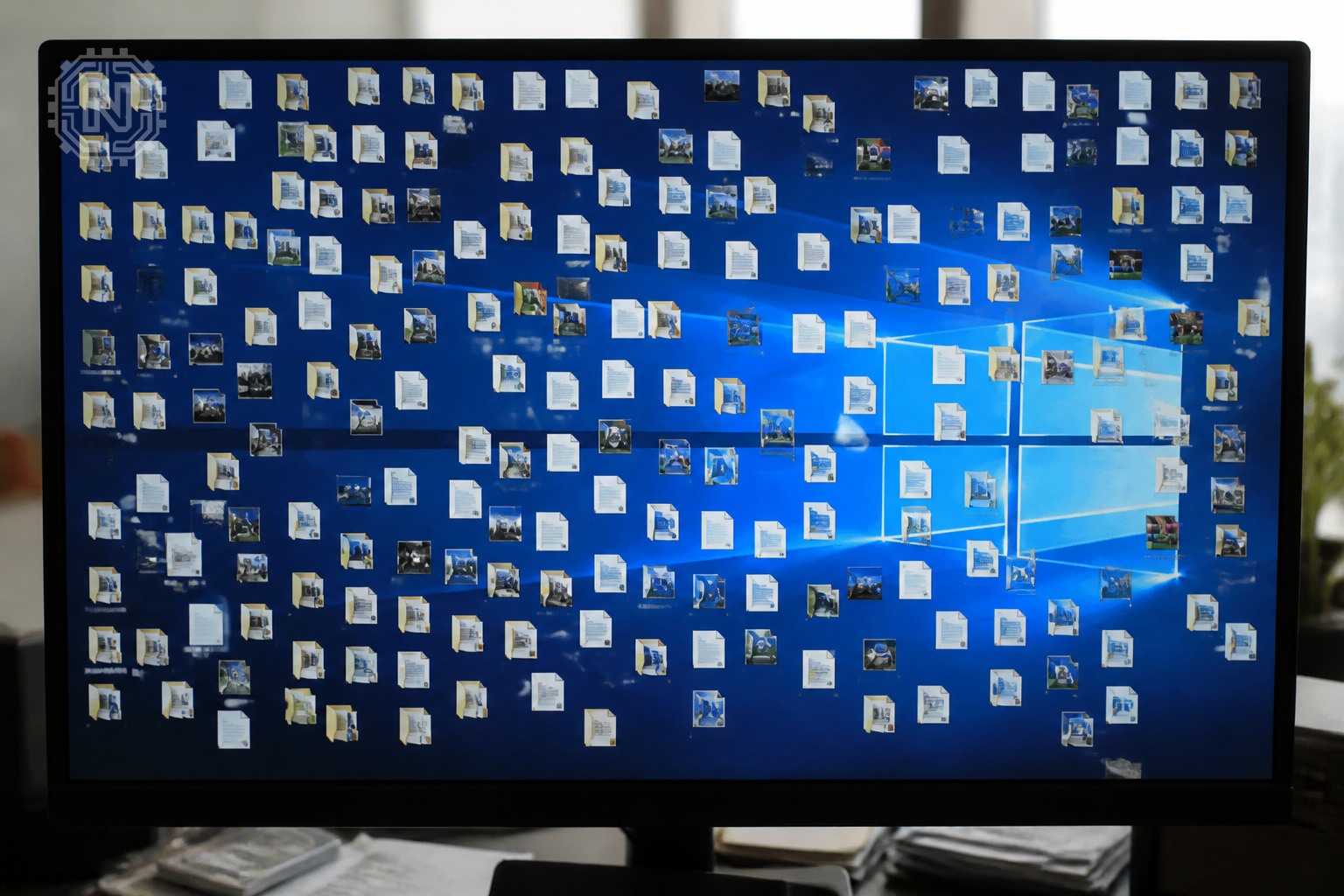
Organize files into clearly labeled folders, deleting duplicates and irrelevant documents. Use cloud storage services to offload rarely accessed data, freeing local space.
Implement email management strategies such as filtering, unsubscribing from unnecessary newsletters, and archiving old messages. Tools like Mailbird can streamline inbox management.
Evaluate your apps regularly, removing those you no longer use. Organize remaining apps into folders or categories for quick access. Consider using app management tools like MacPaw for Mac users.
Decluttering Tools and Their Benefits
- Automation saves time
- Cloud storage improves access
- Regular cleanup prevents overload
"Consistent digital maintenance is vital for staying productive in 2026."
Tech Productivity Analyst
How to automate your digital decluttering routine
Leverage automation tools to keep your digital space tidy. Set up scheduled scans with tools like CCleaner or use built-in OS features like macOS and Windows cleanup schedulers.
Use smart filters and rules to automatically sort incoming emails and files. For example, set filters to archive or delete emails from certain senders or with specific keywords.
Implement routine checks—weekly or monthly—to review your digital environment. Automate reminders using calendar apps or task managers like Todoist.
Automation Boosts Digital Efficiency
- Saves time and effort
- Prevents digital clutter buildup
- Makes regular maintenance easy
"Automation is the backbone of ongoing digital decluttering."
Digital Organization Consultant
Practical tips for maintaining a clutter-free digital life in 2026
Schedule regular digital audits—monthly or quarterly—to stay on top of clutter. Use tools like Dropbox or OneDrive for easy file management.

Adopt a consistent naming convention for files and folders to improve searchability. Use tags and metadata where possible.
Limit new data intake by setting boundaries—unsubscribe from unnecessary newsletters, restrict app downloads, and avoid saving junk files.
Educate yourself on privacy and security best practices to prevent clutter caused by malware or phishing. Regularly update passwords and enable two-factor authentication.
Digital Decluttering Keeps You Secure
- Cluttered files can hide security threats
- Regular cleanup reduces vulnerability to cyberattacks
"Maintaining a clutter-free digital environment is key to security and efficiency."
Cybersecurity Expert
Future outlook: Will digital decluttering get easier in 2026 and beyond?
As AI and machine learning advance, expect more intelligent tools to assist with decluttering. Automated categorization, smart archiving, and predictive cleanup will become standard features.
Companies like Microsoft and Apple are investing heavily in AI-powered digital management systems.
However, user discipline remains crucial. Regular habits and proactive management will ensure digital environments stay organized despite increasing data volumes.
Why Digital Decluttering Matters in 2026 and Beyond
- Supports mental health and focus
- Prevents data breaches
- Enhances device performance
"The future of digital organization lies in smarter, automated tools that adapt to user habits."
AI Tech Analyst
Conclusion
Maintaining a clutter-free digital environment in 2026 requires consistent effort and the right tools. Regular audits, automation, and smart organization strategies can help you stay productive and secure, making digital decluttering an ongoing habit rather than a one-time task.
Frequently Asked Questions
What are the best tools for digital decluttering in 2026?
Popular tools include CleanMyMac, CCleaner, and cloud services like Dropbox and OneDrive for effective cleanup.
How often should I declutter my digital files?
Ideally, schedule a full review monthly or quarterly to prevent buildup and maintain organization.
Can automation really keep my digital space tidy?
Yes, automation tools can schedule regular cleanups, filter emails, and organize files automatically.
What are common digital clutter mistakes to avoid?
Avoid neglecting old emails, ignoring duplicate files, and delaying app or file removal.
How does decluttering improve device performance?
Removing unnecessary files and apps frees up storage, speeding up your device and reducing crashes.
Is digital decluttering necessary for cybersecurity?
Absolutely, clutter can hide malware or vulnerabilities; regular cleanup enhances security.
What’s the best way to organize emails in 2026?
Use filters, unsubscribe from spam, and archive old emails with tools like Mailbird or Outlook.
How can I maintain digital organization long-term?
Schedule regular audits, automate routine cleanup, and adopt consistent naming conventions. For more on How-To, explore Newtechzy. You can also review our Privacy Policy and Cookie Policy, or learn more About us.
Related Topics
Start your digital decluttering today to reclaim your space and boost productivity. Explore our detailed guides and tools to make the process easier.
Start Your Journey Today!


