


Quick Summary
- Choosing the right smart devices for your home.
- Securing your smart home network from threats.
- Step-by-step setup process for beginners.
- Automating routines for convenience and energy saving.
- Common pitfalls and how to avoid them.
- Future trends in smart home technology.
Setting up a smart home in 2026 can seem daunting, but with the right approach, you can create a secure, efficient, and personalized automation system. This guide covers the essential steps to configure your smart devices for optimal performance and security.
As smart home technology advances, understanding how to properly set up and secure your system becomes crucial. From choosing compatible devices to automating routines, these practical tips will help you make the most of your smart home investment.
How to set up a smart home in 2026: essentials and best practices
Starting your smart home journey requires selecting compatible devices, ensuring your Wi-Fi network can handle multiple connections, and setting up a secure environment. Begin by assessing your needs—whether for security, energy efficiency, or convenience—and choose devices accordingly. For example, smart thermostats like the latest thermostats integrate seamlessly with voice assistants.
What are the key components of a modern smart home system?
- Smart hubs or controllers that centralize device management
- Wireless sensors for motion, temperature, and security
- Smart lighting and thermostats for automation
- Voice assistants like Alexa, Google Assistant, or Siri
- Security cameras and smart locks for safety
Choosing the right combination depends on your home's size and your automation goals. Learn more about smart home setup tips to tailor your system effectively.
Quick facts about smart home setup in 2026
- Most devices now support Wi-Fi 6E for faster, more reliable connections.
- Security remains a top priority; encryption and multi-factor authentication are standard.
- Voice control is integrated into nearly all smart devices.
- Interoperability between brands has improved but still varies.
"A well-planned smart home setup enhances security, saves energy, and increases comfort."
Home Automation Expert
What are the steps to connect and configure smart devices?
Begin by connecting your hub or main controller to your Wi-Fi network. Follow device-specific instructions to add each device via their app or voice command. Ensure firmware is updated to avoid security vulnerabilities. For detailed guidance, visit our step-by-step setup guide.
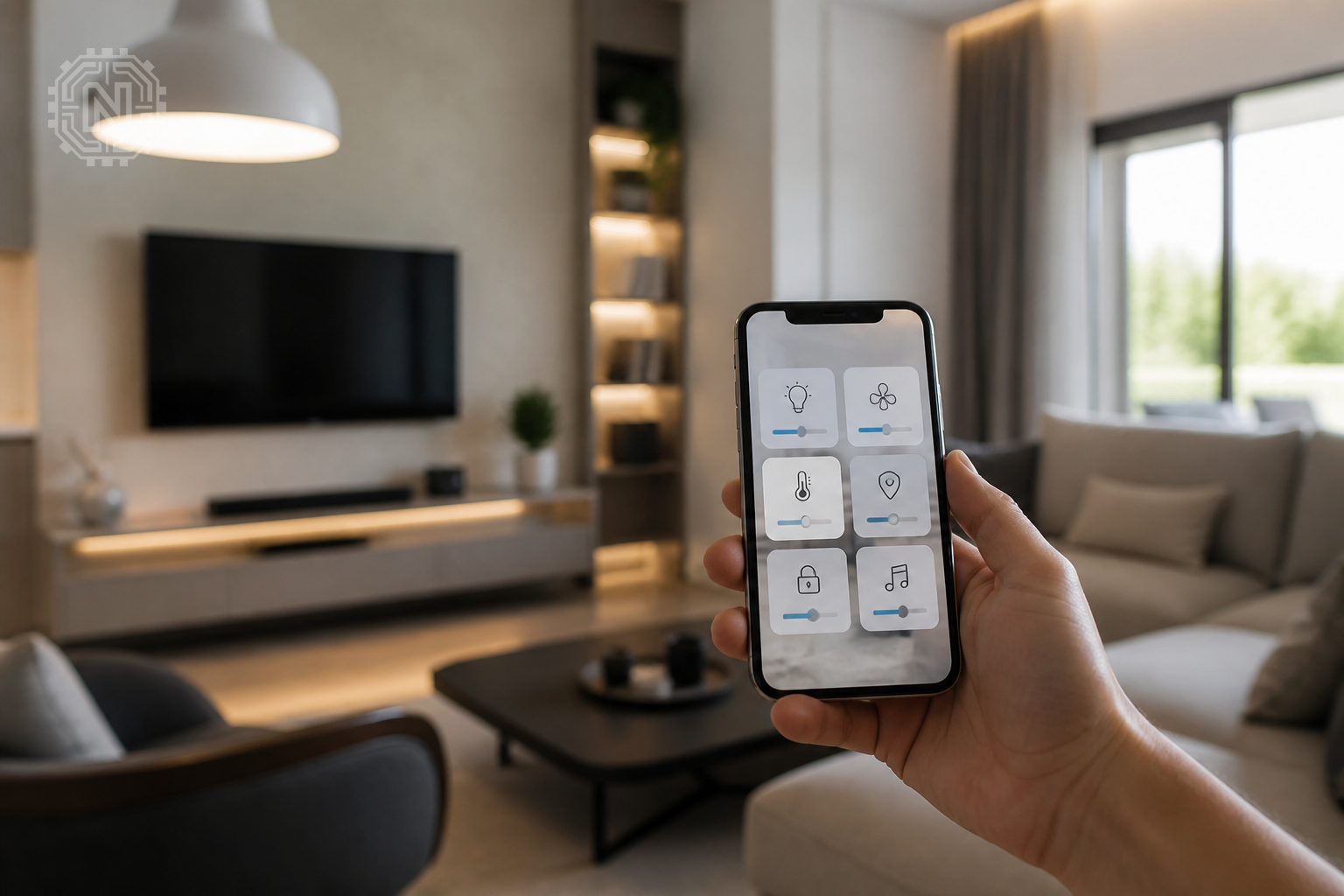
How do I secure my smart home network?
- Change default passwords on all devices
- Enable network encryption (WPA3 if available)
- Use a separate Wi-Fi network for smart devices
- Regularly update device firmware and apps
Implementing these measures reduces the risk of hacking and unauthorized access. Learn more about smart home security best practices.
Why securing your smart home matters in 2026
- Growing number of connected devices increases vulnerability points.
- Cyberattacks on IoT devices are rising globally.
- Data breaches can expose personal information and compromise safety.
"Security is the backbone of a successful smart home system."
Cybersecurity Analyst
How to automate routines and optimize device performance
Use your device apps or voice assistants to create routines—like turning on lights at sunset or adjusting thermostats based on occupancy. Many devices now support AI-driven automation that learns your habits over time. Check out our automation tips for efficient routines.
What are the best practices for energy efficiency?
- Schedule devices to operate during off-peak hours
- Use smart thermostats to reduce heating/cooling waste
- Automate lighting to turn off when rooms are unoccupied
These practices not only save energy but also extend device lifespan. For more insights, visit our smart device reviews.
Pros and cons of automating your smart home
- Pros: Increased convenience, energy savings, enhanced security.
- Cons: Initial setup complexity, potential security risks if not properly secured.
"Automation transforms daily routines into effortless tasks."
Home Tech Specialist
What are common pitfalls in smart home setup and how to avoid them?
Many users face issues like incompatible devices, poor Wi-Fi coverage, or security lapses. To avoid these, verify device compatibility beforehand, invest in mesh Wi-Fi systems, and follow best security practices. Our setup checklist can help prevent common mistakes.
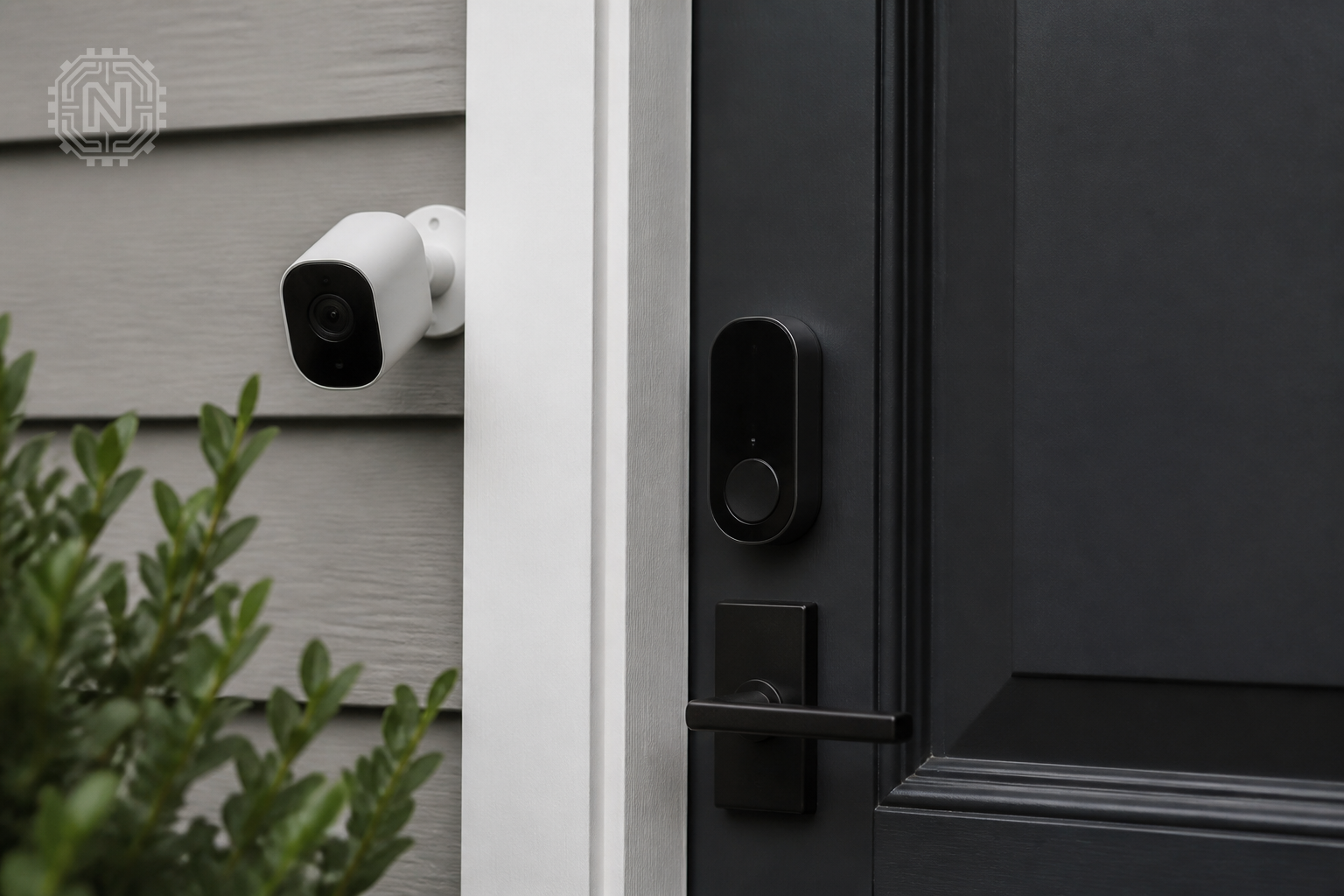
How do I troubleshoot device connectivity issues?
- Restart your router and devices
- Check for firmware updates
- Ensure devices are within Wi-Fi range
Persistent issues may require professional consultation or replacing outdated hardware. Learn more about troubleshooting tips.
Key pitfalls in smart home setup
- Device incompatibility
- Poor Wi-Fi coverage
- Neglecting security updates
- Ignoring user privacy settings
"Proper planning prevents most setup issues."
Smart Home Consultant
What does the future hold for smart home technology in 2026 and beyond?
Innovations like AI-driven automation, improved interoperability, and enhanced security features are shaping the future of smart homes. Manufacturers are focusing on making devices more intuitive and energy-efficient. Stay informed with our latest tech news.
How will interoperability improve?
- Universal standards are being developed for cross-brand compatibility
- More devices will support multiple voice assistants
- Cloud-based platforms will unify device management
These advances will make smart homes more user-friendly and resilient. Keep an eye on emerging trends to future-proof your setup.
Why future-proofing your smart home matters
- Technology evolves rapidly, requiring adaptable systems.
- Interoperability reduces device redundancy and costs.
- Enhanced security features protect against new threats.
"The future of smart home tech is about seamless integration and security."
Tech Industry Analyst
Editorial Sources
Conclusion
Setting up a smart home in 2026 involves thoughtful device selection, robust security measures, and strategic automation. By following these practical steps, you can enjoy a connected, secure, and energy-efficient living space that adapts to your needs now and in the future.
Frequently Asked Questions
How do I start setting up a smart home in 2026?
Begin by assessing your needs, choosing compatible devices, securing your network, and following a step-by-step setup guide.
What security measures should I take for my smart home?
Change default passwords, enable encryption, use a separate Wi-Fi network, and regularly update device firmware.
Can I automate my smart home routines easily?
Yes, most devices support automation through apps or voice commands, allowing routines like lighting or temperature adjustments.
What are common problems during smart home setup?
Incompatibility, poor Wi-Fi coverage, security lapses, and configuration errors are typical issues to watch out for.
How will interoperability improve in 2026?
Universal standards and cloud platforms will enable devices from different brands to work together seamlessly.
Is smart home setup worth it in 2026?
Absolutely, it enhances security, convenience, and energy efficiency, making daily life easier and safer.
What are the best devices for a smart home in 2026?
Look for devices supporting Wi-Fi 6E, multi-platform voice assistants, and strong security features.
How do I troubleshoot connectivity issues?
Restart devices, update firmware, check Wi-Fi range, and verify network settings. For more on How-To, explore Newtechzy. You can also review our Privacy Policy and Cookie Policy, or learn more About us.
Related Topics
Explore more expert tips on building your perfect smart home. Get in touch with our specialists or browse our detailed guides to start today.
Start Your Journey Today!


