


Quick Summary
- Increase in smart home device hacking in 2026.
- Strong passwords and firmware updates are key.
- Secure Wi-Fi networks prevent unauthorized access.
- Regularly audit connected devices for vulnerabilities.
- Use multi-factor authentication where available.
- Stay informed about the latest security threats.
With the rapid growth of connected devices, smart home security has become more critical than ever. Hackers target vulnerabilities in smart gadgets, risking privacy breaches and unauthorized access. Protecting your smart home in 2026 requires a proactive approach to security.
As smart homes evolve, so do the tactics of cybercriminals. Learning effective security measures now can prevent costly breaches and ensure your devices and data stay safe.
How to Secure Your Smart Home Devices in 2026
Securing your smart home begins with understanding the core risks. Devices like smart cameras, locks, and thermostats often have vulnerabilities if not properly configured. Start by changing default passwords and enabling automatic firmware updates, which fix known security flaws. Many manufacturers now include security features, but users must activate and configure them properly.
For example, always choose strong, unique passwords for each device and your Wi-Fi network. Consider using a password manager to keep track of complex credentials. Regularly check for firmware updates via the device's app or manufacturer website. These updates patch security vulnerabilities and improve device resilience.
Learn more about solar panel maintenance and how regular updates can improve efficiency. Also, review how to clean solar panels for optimal performance.
Key Security Facts for 2026
- Many smart devices lack built-in security features by default.
- Cybercriminals often exploit unsecured Wi-Fi networks.
- Firmware updates are critical for patching vulnerabilities.
- Multi-factor authentication adds an extra layer of security.
"Securing smart home devices requires a layered approach, including strong passwords, regular updates, and network segmentation."
Cybersecurity Expert
What are the Most Common Vulnerabilities in IoT Devices?
IoT devices like smart locks and cameras are frequently targeted due to weak default passwords and outdated firmware. Many devices also lack proper encryption, making data interception easier for hackers.
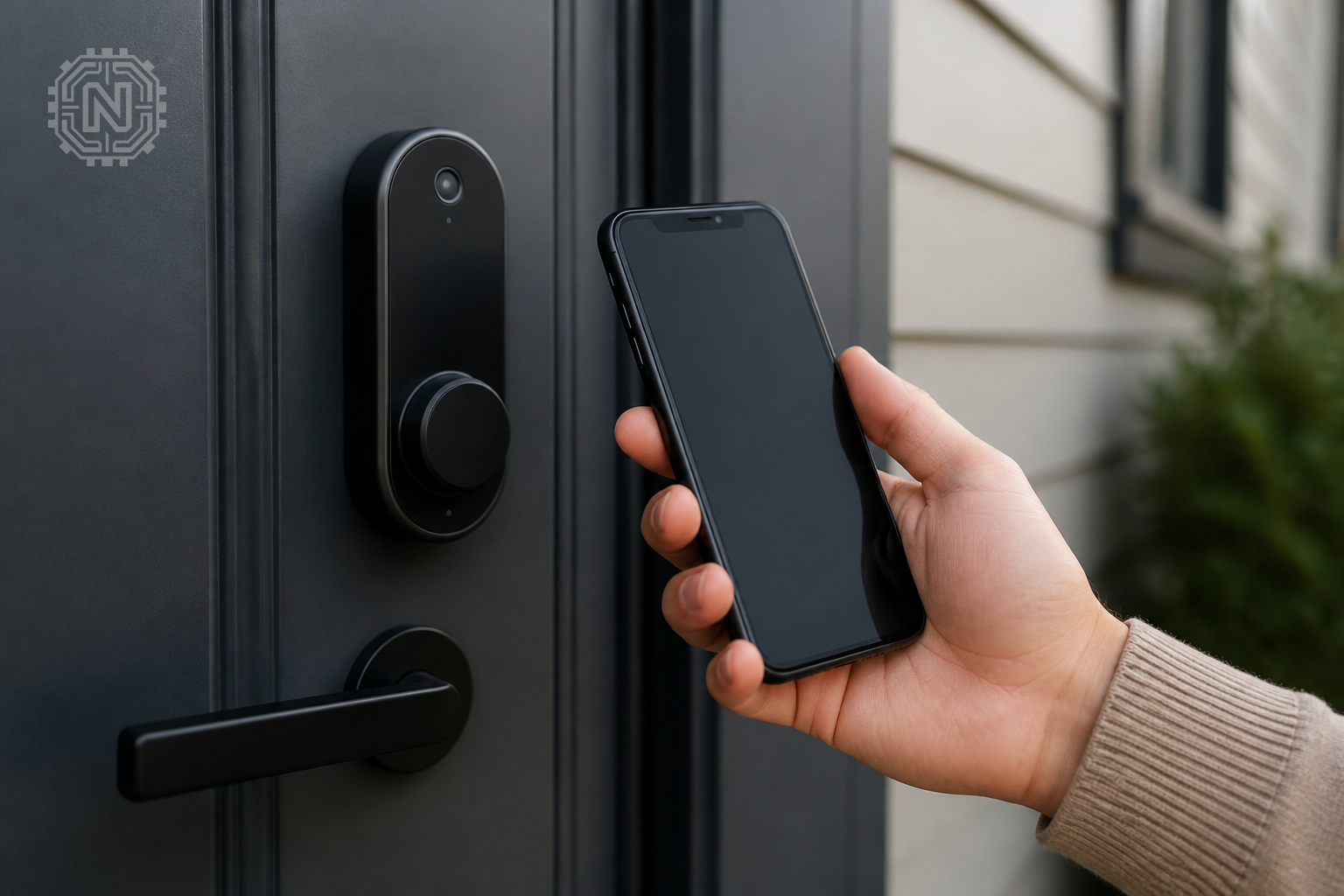
Understanding these vulnerabilities helps you take targeted actions. Always change default credentials, enable encryption, and disable unnecessary features to reduce risks.
For a deeper dive, see our guide on cybersecurity best practices for connected devices.
Why IoT Vulnerabilities Matter
- Unsecured devices can be used to access your entire network.
- Data breaches can expose personal and financial information.
- Hackers can manipulate smart home systems for malicious purposes.
How to Set Up a Secure Wi-Fi Network for Smart Devices
A strong Wi-Fi network is the backbone of smart home security. Use WPA3 encryption, which is currently the most secure standard. Change default router passwords and disable remote management features that can be exploited remotely.
Segment your network by creating a separate Wi-Fi SSID for IoT devices, isolating them from your main computers and smartphones. This way, even if a device is compromised, your personal data remains protected.
Learn how to reset your router and update its firmware regularly to patch vulnerabilities.
"A segmented Wi-Fi network significantly reduces the risk of a breach spreading across your entire smart home."
Network Security Specialist
What Are Best Practices for Managing Smart Home Security Updates?
Keeping your devices updated is vital. Set devices to auto-update whenever possible, and regularly check for new firmware releases on manufacturer sites. Subscribe to security alerts from your device brands to stay informed about vulnerabilities.
Manual updates can sometimes be delayed or overlooked, leaving devices exposed. Automating this process minimizes risk and ensures your smart home remains protected against emerging threats.
For more tips, see our article on software management for connected devices.
Pros and Cons of Automatic Updates
- Pro: Ensures devices get the latest security patches automatically.
- Con: Might introduce bugs if updates are not thoroughly tested.
Why Is Multi-Factor Authentication Important for Smart Devices?
Multi-factor authentication (MFA) adds an extra layer of security by requiring a second verification step, like a code sent to your phone. Many smart device apps now support MFA, reducing the risk of unauthorized access even if passwords are compromised.
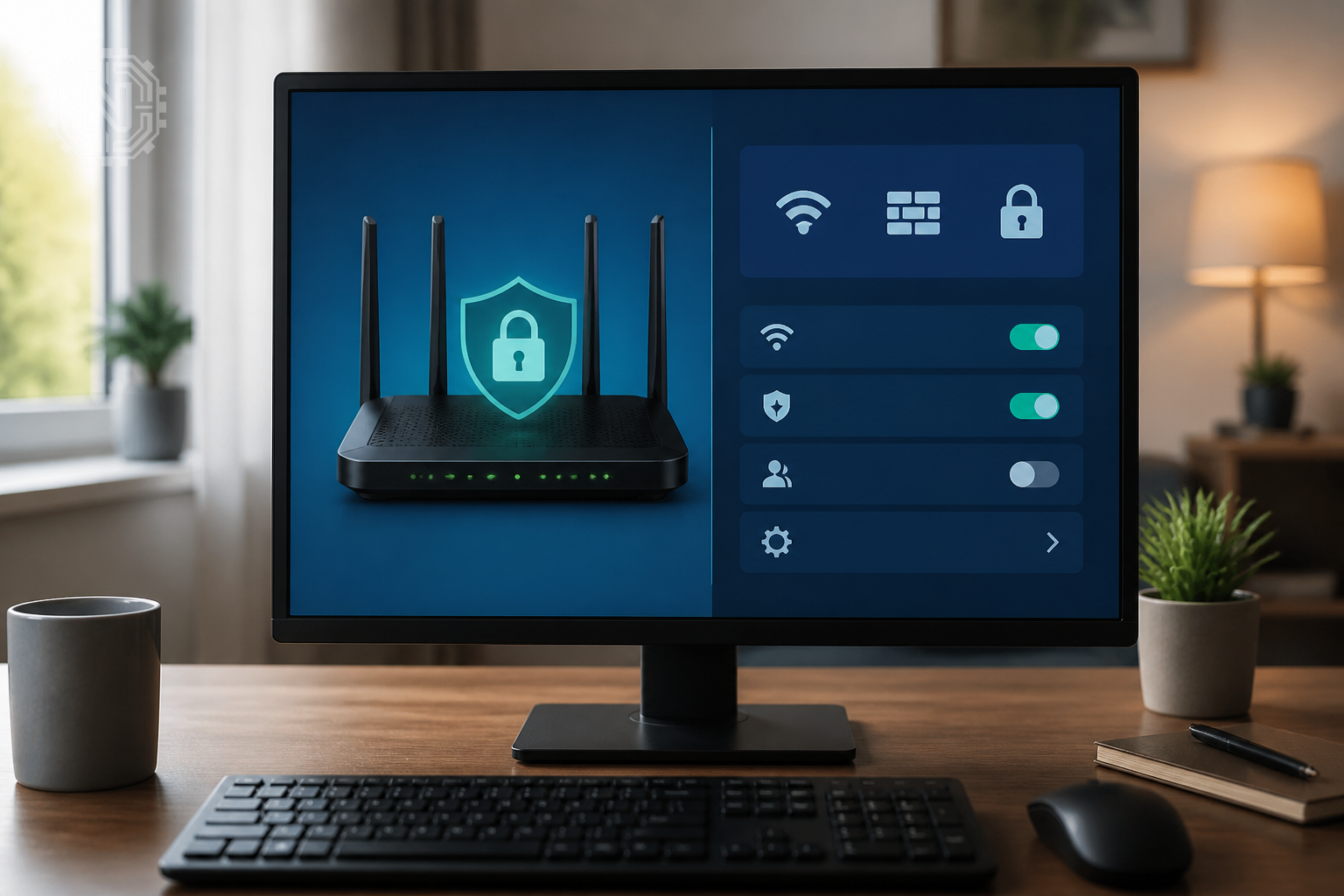
Enabling MFA is straightforward in most apps and should be a standard security practice. It’s especially critical for devices controlling access points like smart locks or security cameras.
Learn more about implementing MFA in our dedicated tech news updates.
"Multi-factor authentication is one of the simplest yet most effective ways to secure your smart home."
Cybersecurity Analyst
The Future of Smart Home Security in 2026 and Beyond
Security in smart homes continues to evolve rapidly. Manufacturers are integrating AI-driven threat detection and automatic patching to reduce vulnerabilities. Consumers will need to stay vigilant and proactive as threats become more sophisticated.
Emerging standards and regulations aim to improve device security, but user awareness remains crucial. Regularly reviewing device settings and network security will be essential in the coming years.
Stay informed through trusted sources like Google Support and the Cybersecurity and Infrastructure Security Agency for updates and best practices.
Editorial Sources
Conclusion
Securing your smart home in 2026 involves a combination of strong passwords, regular updates, network segmentation, and user vigilance. As devices become more integrated into daily life, staying ahead of potential threats is essential to protect your privacy and peace of mind.
Frequently Asked Questions
What are the most common security risks for smart home devices?
Weak default passwords, outdated firmware, and unsecured Wi-Fi networks are the main vulnerabilities.
How can I strengthen my smart home network security?
Use WPA3 encryption, create a separate network for IoT devices, and regularly update your router firmware.
Is multi-factor authentication supported by most smart device apps?
Many apps now support MFA, adding an extra layer of protection against unauthorized access.
How often should I update my smart devices?
Set devices to auto-update and check for firmware releases monthly to stay protected.
Are there specific security standards for IoT devices?
Yes, standards like WPA3 for Wi-Fi and security certifications from manufacturers help ensure safety.
What is network segmentation and why is it important?
It isolates IoT devices from main networks, reducing the risk of breaches spreading across your home.
Can I secure smart home devices without technical expertise?
Yes, by changing default passwords, enabling auto-updates, and using secure Wi-Fi settings, you can improve security easily.
What future trends will shape smart home security in 2026?
AI-driven threat detection, automatic updates, and stricter standards will enhance device protection. For more on How-To, explore Newtechzy. You can also review our Privacy Policy and Cookie Policy, or learn more About us.
Related Topics
Take control of your smart home security today. Explore our full guide for practical tips and stay safe in 2026 and beyond. Get started now.
Start Your Journey Today!


