


Quick Summary
- Most users struggle with cluttered digital files, slowing productivity.
- Proper organization saves time and reduces stress.
- Consistent naming and folder structures are key.
- Cloud storage management is crucial in 2026.
- Automated tools can simplify file sorting.
- Regular audits keep your system tidy.
Managing digital files efficiently remains a top concern for professionals and casual users alike in 2026. With data volumes exploding, knowing how to organize digital files can drastically boost productivity and reduce frustration.
These simple but effective steps help you create a sustainable file management system that works across devices and cloud services, ensuring quick access and easy backups.
How to organize digital files in 2026: Best practices for file management
Effective digital file organization starts with understanding your workflow and storage needs. Whether you're working with local drives, cloud services, or a hybrid setup, establishing a clear system is essential. Start by auditing your current files, deleting duplicates, and categorizing what remains. Use consistent naming conventions to make files searchable and create folder structures that mirror your projects or daily tasks.
For example, a typical structure might include main folders like 'Work', 'Personal', and 'Archives', with subfolders for each project or year. Automating routine tasks with tools like file management apps can save hours. Regularly reviewing your system keeps it aligned with your evolving needs.
Learn more about effective digital workspace setup and how to integrate your devices for maximum efficiency.
Key Facts About Digital File Management in 2026
- Most users have over 10,000 unorganized files on their devices.
- Proper naming improves searchability by up to 80%.
- Cloud storage services now offer AI-assisted sorting features.
- Regular backups prevent data loss from hardware failure.
- Automated tools reduce manual sorting time by 50%.
"A well-structured digital filing system can save hours each week and prevent data loss during emergencies."
Productivity Expert
What are the best tools for digital file organization in 2026?
Modern file management relies heavily on automation and AI-powered tools. Popular options include Dropbox, Google Drive, and specialized apps like FileCenter. These platforms now incorporate smart tagging, automatic duplicate detection, and advanced search capabilities.
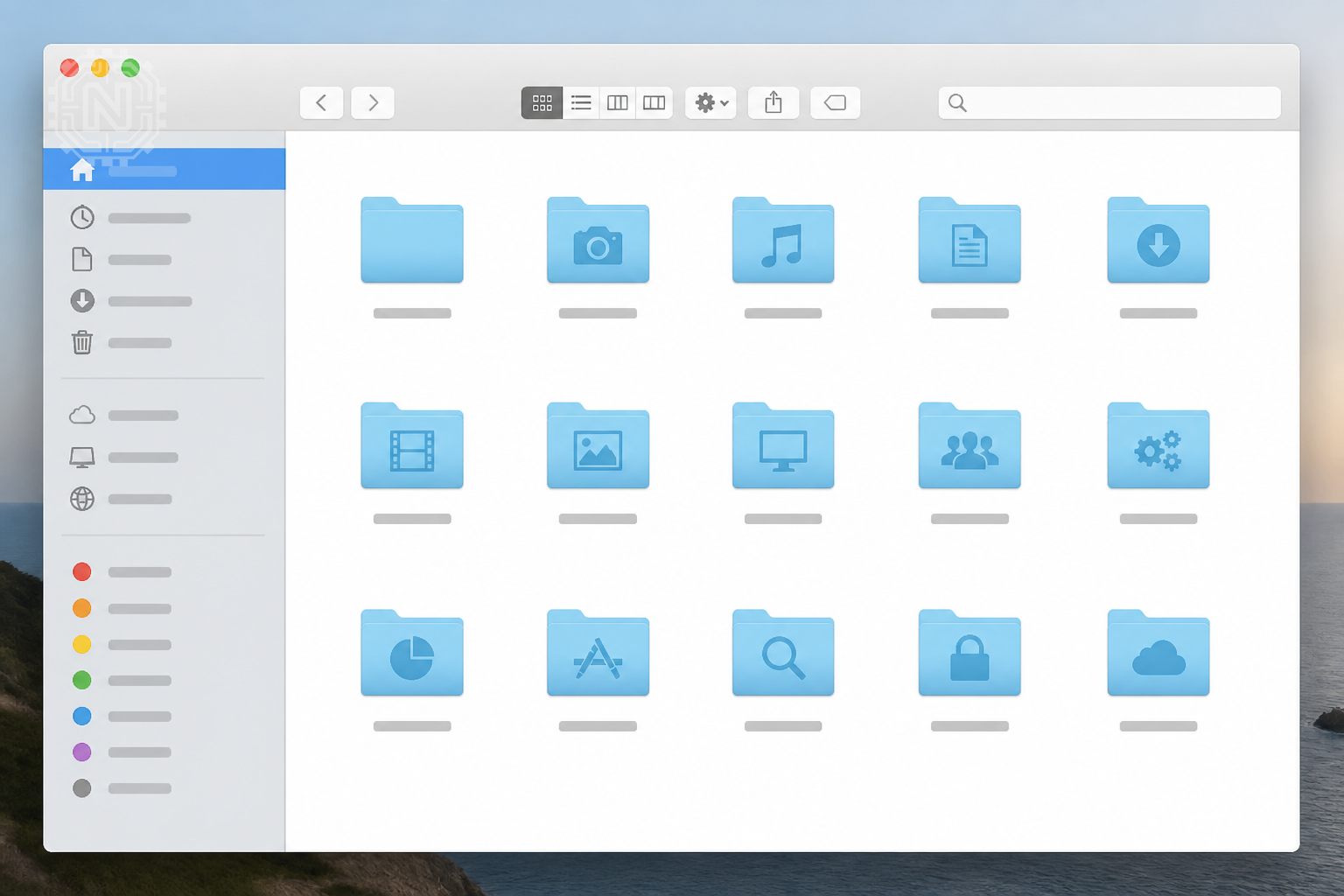
Choosing the right tool depends on your workflow. For instance, creative professionals might prefer Adobe's cloud solutions, while business users lean toward enterprise-grade platforms like Box or SharePoint. Integration with productivity apps is also a key factor.
Pros and Cons of Modern File Management Tools
- Pros: AI tagging, automatic sorting, seamless collaboration.
- Cons: Subscription costs, learning curve for advanced features.
How to implement a digital file organization system at home or work
Start by defining your primary categories based on your daily tasks. For example, separate work documents from personal photos and financial records. Use a consistent naming format like 'YYYY-MM-DD_ProjectName_Version' to keep files orderly.
Leverage cloud services for backup and remote access, but also maintain local copies for speed. Establish routine schedules—weekly or monthly—to review and tidy your files. Educate all users on the system to ensure consistency.
For detailed steps, see our guide on creating effective digital workflows.
Why Organized Files Matter in 2026
Proper organization minimizes time spent searching for files, boosts productivity, and enhances security by reducing accidental data leaks.
In a hybrid work environment, a unified system ensures everyone can access the right files anytime, anywhere.
What are common pitfalls in digital file management and how to avoid them?
Common mistakes include inconsistent naming, neglecting backups, and overloading folders with unrelated files. These issues lead to chaos and lost time.
To prevent this, set clear naming conventions, automate routine tasks, and schedule regular cleanups. Using dedicated software can help enforce rules and flag duplicates or outdated files.
"Sticking to a simple, consistent system is the best way to keep your digital files manageable."
IT Consultant
Future outlook: How will digital file management evolve by 2030?
By 2030, AI-driven systems will automatically categorize, tag, and archive files in real-time, making manual sorting nearly obsolete. Virtual assistants could proactively suggest organization improvements based on your habits.
Enhanced security measures, such as blockchain-backed verification, may become standard. These advances will make data management more secure, efficient, and integrated across all devices.
Learn more about upcoming trends in tech innovations shaping our digital lives.
Editorial Sources
Conclusion
Maintaining an organized digital file system is essential for efficiency and peace of mind in 2026. By adopting simple habits, leveraging automation, and staying disciplined with regular reviews, anyone can turn digital clutter into a powerful productivity tool.
Frequently Asked Questions
How often should I review and clean my digital files?
At least once a month to prevent clutter and ensure backups are up-to-date.
What naming conventions work best for digital files?
Use consistent formats like 'YYYY-MM-DD_ProjectName_Version' for clarity and searchability.
Are automated tools reliable for organizing files?
Yes, especially those with AI features that detect duplicates and categorize files automatically.
How can I secure my organized digital files?
Enable encryption, use strong passwords, and regularly update security software.
Can I organize files across multiple devices?
Yes, using cloud storage solutions that sync seamlessly across all your devices.
What should I do with obsolete files?
Archive or delete them to keep your system streamlined and relevant.
Is it worth paying for premium file management apps?
If you handle large volumes of data, premium tools offer automation and advanced search features worth the investment.
How do I handle shared folders with multiple users?
Establish clear protocols for naming, permissions, and regular audits to maintain order. For more on How-To, explore Newtechzy. You can also review our Privacy Policy and Cookie Policy, or learn more About us.
Related Topics
Ready to declutter your digital life? Explore our comprehensive guides and tools to get started today. Stay organized and boost your productivity now!
Start Your Journey Today!


