


Quick Summary
- Resetting fixes common iPhone issues quickly.
- Different reset methods suit various needs.
- Know when to soft or hard reset your device.
- Latest iOS updates influence reset procedures.
- Backup data before performing resets.
- Resets can improve device performance.
Knowing how to reset your iPhone in 2026 is essential for troubleshooting persistent bugs, freezing screens, or preparing your device for resale. This guide covers the latest methods compatible with iOS 17 and newer versions, ensuring you can perform resets safely and effectively.
With frequent software updates, Apple sometimes changes reset procedures. Staying current guarantees you won't accidentally lose data or encounter complications during the process.
How to reset iPhone in 2026: Basic reset methods explained
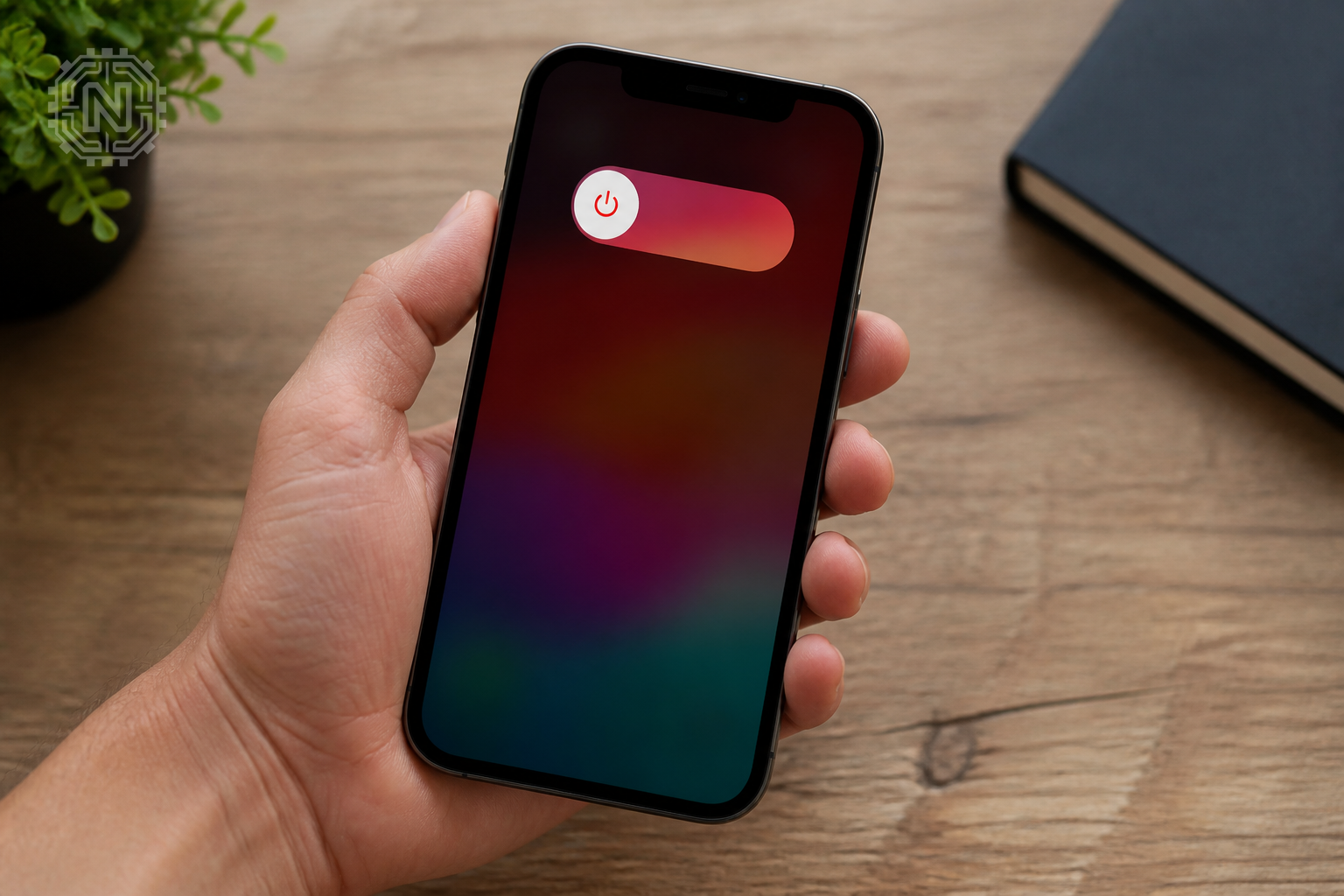
Most issues can be resolved with a simple restart, which is the easiest reset method. To do this, press and hold the side button along with either volume button until the power slider appears. Drag the slider to turn off, then press the side button again to turn the device back on.
For minor glitches, a soft reset often suffices. If your iPhone is unresponsive, a force restart might be necessary, which varies slightly between models. For iPhone 8 and later, press and quickly release volume up, then volume down, then hold the side button until the Apple logo appears.
Apple’s official support page offers detailed instructions for each model, ensuring you follow the safest steps. Learn more about smart home automation to keep your device running smoothly.
Quick Reset Facts
- Restarting is the simplest reset method for minor issues.
- Force restart can fix unresponsive screens.
- Always back up before a factory reset.
- Factory reset erases all data and settings.
"Performing a reset can often resolve stubborn bugs or glitches that affect your iPhone’s performance."
Senior Apple Support Specialist
How to factory reset iPhone in 2026 safely and effectively
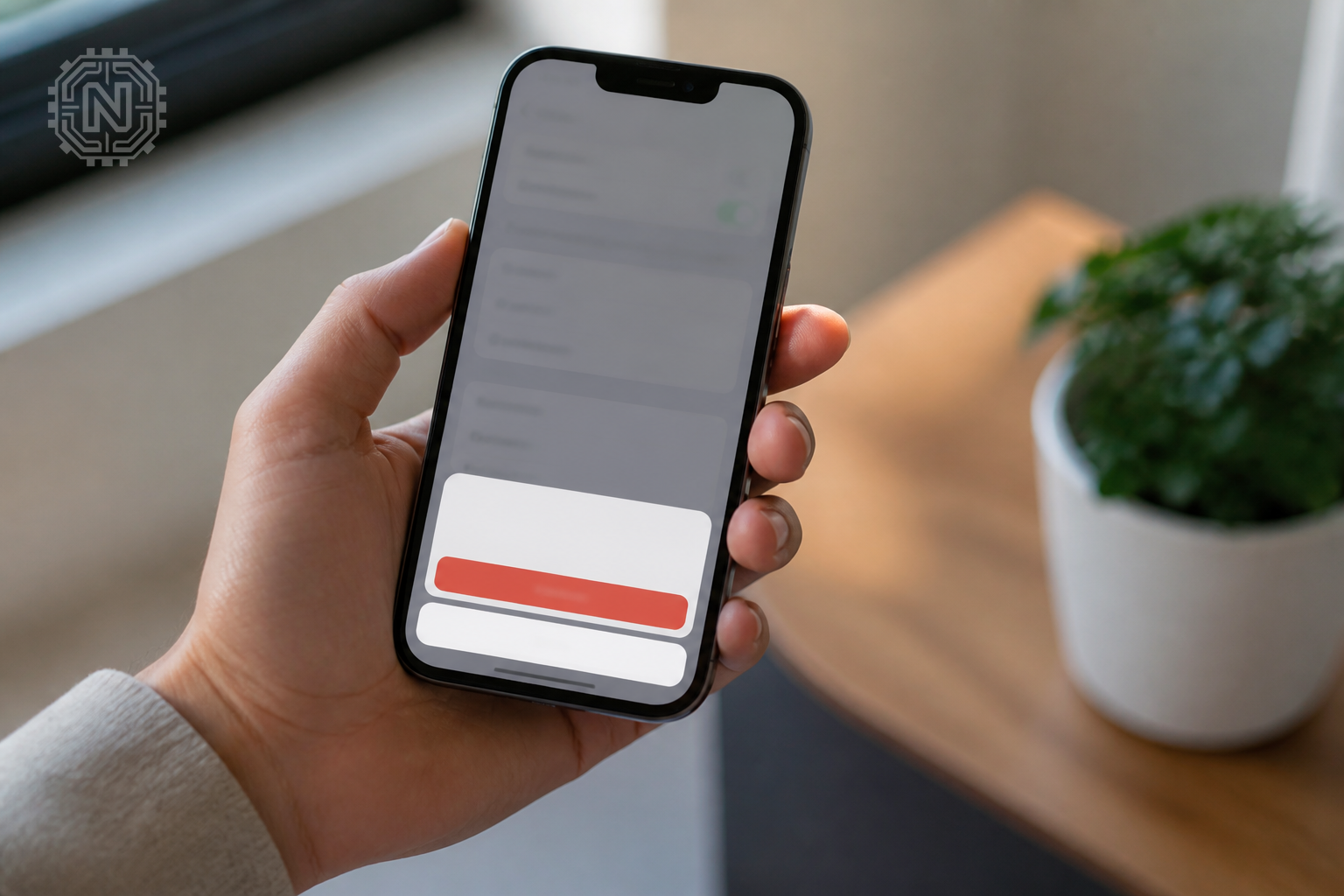
A factory reset restores your iPhone to its original state, erasing all data and settings. This is useful before selling or troubleshooting severe issues. To do this, go to Settings > General > Transfer or Reset iPhone > Erase All Content and Settings.
Ensure you back up your data via iCloud or iTunes before proceeding. The process may take several minutes, during which your device will restart and delete all personal information.
For models running iOS 17, Apple introduced a new security feature requiring your Apple ID password after reset. This prevents unauthorized resets and ensures device security. Learn more at Apple Support.
Factory Reset Pros & Cons
- Pros: Fixes deep software issues, clears personal data, prepares device for resale.
- Cons: Erases all data, requires backup, can be time-consuming.
"A factory reset is the last resort for resolving complex software problems or preparing your device for new ownership."
Apple Support Engineer
When should you reset your iPhone in 2026? Key signs and tips
Reset your iPhone when experiencing persistent crashes, freezes, or battery drain issues that don’t resolve with regular troubleshooting. Regular resets can also improve performance after major iOS updates.
If your device is slow or apps crash frequently, a reset might help. Remember to backup before any reset to prevent data loss. For ongoing problems, consult Apple’s official troubleshooting guides.
Stay updated with the latest iOS patches, which often include bug fixes reducing the need for resets. Check latest tech news for updates on iOS improvements.
Why Resetting Matters
- Resets can resolve software bugs causing crashes.
- Prevents hardware damage from prolonged issues.
- Maintains device longevity and performance.
"Regular resets help keep your iPhone running smoothly and prevent minor issues from escalating."
Tech Analyst
Can I reset my iPhone without losing data in 2026? Tips and tricks
Yes, a soft or restart reset doesn’t delete your data. Only a factory reset erases everything, so always back up beforehand. Use iCloud or iTunes for backups, especially before major updates or resale.
For quick troubleshooting, try force restarting without data loss. If you need a full reset, ensure your backup is current to restore your apps and files afterward.
Learn about smart home security to protect your device after resets and prevent unauthorized access.
Reset Without Data Loss
- Soft resets don’t erase personal data.
- Always backup before factory resets.
- Use iCloud or iTunes for secure backups.
"Proper backups ensure you can reset your iPhone without losing valuable data."
Apple Data Specialist
Future outlook: How Apple simplifies iPhone resets in 2026
Apple continues to streamline reset procedures, integrating AI-driven diagnostics and easier backup options. Expect further improvements in iOS 18, making resets more intuitive and less risky for users.
Official updates focus on security, with stronger protections against unauthorized resets. Future models may include one-click reset options directly from the lock screen, reducing downtime.
Stay informed with latest tech news for upcoming features and software updates that will make resetting your device safer and easier.
Future of iPhone Resets
- More AI-driven troubleshooting tools.
- One-click reset options expected.
- Enhanced security features to prevent theft.
"Apple's ongoing innovations aim to make device resets safer, faster, and more user-friendly in the coming years."
Tech Industry Expert
Editorial Sources
Conclusion
Mastering how to reset your iPhone in 2026 ensures you can troubleshoot effectively, protect your data, and keep your device performing at its best. Staying updated on official procedures and best practices helps prevent issues and prolongs your device’s lifespan.
Frequently Asked Questions
Can I reset my iPhone without erasing my data?
Yes, a soft reset or force restart does not delete your data, only a factory reset erases everything.
What should I do before resetting my iPhone?
Always back up your data via iCloud or iTunes to prevent data loss during a factory reset.
How long does a factory reset take on an iPhone?
Typically, it takes around 10-15 minutes, depending on your device and data size.
Is resetting my iPhone safe?
Yes, if you follow official procedures and back up your data beforehand, resets are safe and effective.
What are the risks of factory resetting my iPhone?
Risks include data loss if not backed up and potential security issues if reset without proper security measures.
How do I reset my iPhone if it's unresponsive?
Perform a force restart by pressing specific button combinations depending on your model.
Will resetting my iPhone delete my apps?
A factory reset deletes all apps and data, so back up first if you want to restore them later.
What are the latest features in iOS 17 related to resets?
iOS 17 introduced enhanced security features, requiring Apple ID verification after resets. For more on How-To, explore Newtechzy. You can also review our Privacy Policy and Cookie Policy, or learn more About us.
Related Topics
Explore more Apple tips and tech guides to keep your devices running smoothly. Contact our support team for personalized advice or troubleshooting.
Start Your Journey Today!


