


Quick Summary
- VPNs encrypt internet traffic, protecting user privacy.
- Setting up a VPN is straightforward with modern apps.
- VPNs are crucial for safe browsing on public Wi-Fi.
- 2026 VPN technology includes new protocols and features.
- Choosing the right VPN depends on speed, security, and price.
- Learn how to install and configure VPNs on various devices.
In 2026, setting up a VPN remains one of the most effective ways to secure your online activities and protect your privacy. Whether you're browsing at home or on public Wi-Fi, a VPN encrypts your internet traffic, shielding you from hackers and surveillance.
With dozens of VPN providers vying for your subscription, understanding the setup process is key to making an informed choice. This guide covers everything you need to know to configure a VPN quickly and safely in 2026.
How to set up a VPN in 2026: Step-by-step guide
Getting started with a VPN involves choosing a provider, installing the app, and configuring settings. Most providers offer user-friendly apps for Windows, macOS, Android, and iOS, making setup accessible for all users.
Begin by selecting a reputable VPN service such as NordVPN, ExpressVPN, or Proton VPN. Visit their official website to sign up and download the app compatible with your device. Once installed, open the app and log in with your credentials.
Next, explore the settings—most VPN apps automatically connect to the best server, but you can manually select a server location. For added security, enable features like a kill switch and DNS leak protection. For detailed steps, visit our Windows backup guide.
Key VPN Setup Facts in 2026
- Most VPN apps support auto-connect features for ease of use.
- New protocols like WireGuard improve speed and security.
- Many providers now include ad-blocking and malware protection.
- VPNs can be installed on routers for entire home networks.
"Choosing the right VPN depends on your needs for speed, security, and ease of use. Always opt for providers with strong encryption and a no-logs policy."
Cybersecurity Expert
Why is VPN setup important in 2026?
In 2026, digital privacy is more crucial than ever as governments and corporations increase surveillance. A properly configured VPN ensures your online activities stay private, even on insecure networks.
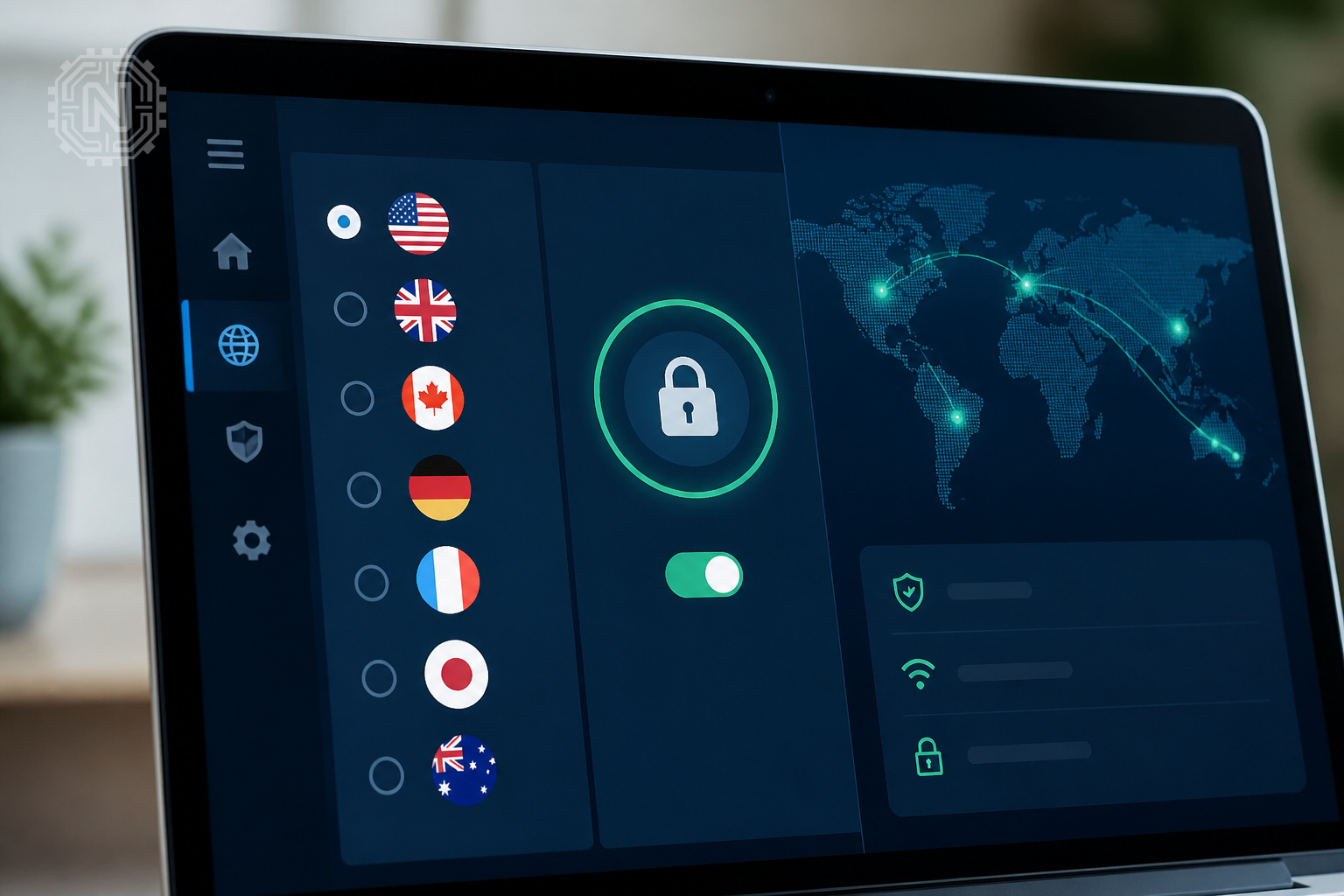
Additionally, VPNs help bypass geo-restrictions, giving users access to content worldwide. With threats evolving, setting up a VPN correctly is essential for maintaining control over your digital footprint.
Learn more about why privacy matters at our Cybersecurity section.
Why VPN Setup Matters in 2026
- Protects against hacking on public Wi-Fi.
- Prevents tracking by advertisers and governments.
- Enables access to geo-restricted content.
- Ensures privacy in a surveillance-heavy era.
What are the best VPN protocols in 2026?
In 2026, protocols like WireGuard, OpenVPN, and IKEv2 dominate VPN security. WireGuard, in particular, offers a balance of speed and security, making it popular among users.
These protocols differ in encryption strength and connection stability. When setting up your VPN, ensure your provider supports the latest protocols for optimal performance.
For an in-depth comparison, see our latest tech news coverage.
"WireGuard's streamlined design and high performance make it the protocol of choice for most new VPN setups."
Network Security Analyst
How to troubleshoot VPN setup issues
Common problems include connection failures, slow speeds, or DNS leaks. Start by checking your internet connection and ensuring your VPN app is updated.
If issues persist, verify server status and try switching locations. Disabling conflicting security software or adjusting firewall settings can also help.
For detailed troubleshooting, visit our Gadgets section.
Troubleshooting VPN Setup
- Always keep VPN software updated for security patches.
- Use recommended server locations for best performance.
- Check for conflicting network settings or firewalls.
Future of VPN technology in 2026 and beyond
VPN technology continues to evolve with quantum-resistant encryption and AI-driven threat detection. These advancements aim to make VPNs faster, more secure, and easier to use.
Emerging trends include decentralized VPNs and integration with blockchain, promising greater user control and transparency.
Stay informed with our latest updates on VPN innovations.
"The future of VPNs lies in integrating AI and decentralized networks to create more resilient privacy tools."
Tech Futurist
Practical tips for choosing the right VPN in 2026
Assess your needs—whether for streaming, gaming, or privacy—and compare features like speed, security protocols, and server locations. Read user reviews and check for transparency about logging policies.
Look for providers offering a kill switch, split tunneling, and strong encryption standards. Consider the device compatibility and whether the VPN supports simultaneous connections.
Visit our Apps & Software section for reviews of top VPN services in 2026.
Editorial Sources
Conclusion
Configuring a VPN in 2026 is straightforward but crucial for maintaining your online privacy and security. By choosing the right provider, protocols, and settings, you can enjoy safe browsing across all devices and networks. Stay updated on emerging VPN features to keep your digital life protected.
Frequently Asked Questions
How do I choose the best VPN service in 2026?
Compare security features, speed, server locations, and privacy policies to find a VPN that suits your needs.
Is setting up a VPN complicated for beginners?
No, most VPN providers offer user-friendly apps with guided setup processes suitable for beginners.
Can I set up a VPN on my router?
Yes, many routers support VPN configurations, allowing you to protect your entire home network.
What protocols should I use for VPN in 2026?
WireGuard, OpenVPN, and IKEv2 are the most secure and fastest options available today.
Are free VPNs safe to use in 2026?
Free VPNs often have limitations and may compromise your privacy; paid services are generally more secure.
How do I troubleshoot VPN connection issues?
Check your internet connection, update the app, switch servers, and review firewall settings.
Will VPNs slow down my internet speed?
Some slowdown is possible, but choosing fast servers and modern protocols minimizes performance impact.
What are the risks of not using a VPN?
Without a VPN, your data is vulnerable on public Wi-Fi, and your browsing can be tracked or censored. For more on How-To, explore Newtechzy. You can also review our Privacy Policy and Cookie Policy, or learn more About us.
Related Topics
Protect your online presence today by setting up a VPN. Explore our detailed guides and find the best VPN for your needs in 2026.
Start Your Journey Today!


