


Quick Summary
- Claude Voice Mode now works with Claude Opus, Claude Sonnet and Claude Haiku.
- Users can switch models during a conversation and move between voice and text without losing context.
- Connected tools such as Gmail, Google Calendar, Google Docs, Slack and Canva can be used during voice sessions.
- Voice Mode supports more languages, including Hindi, German, French, Japanese, Korean, Portuguese and Spanish.
- The update is available in beta across mobile, desktop and web, with plan-based limits on models and connectors.
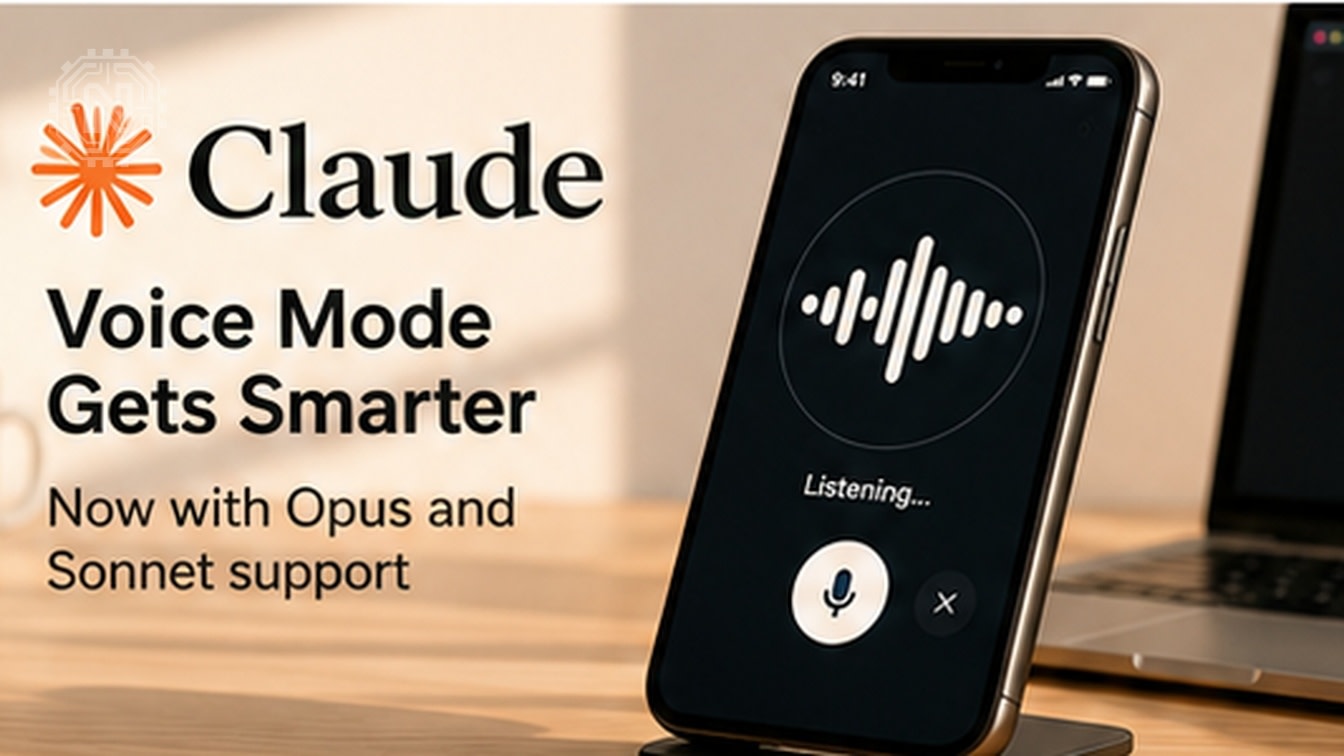
Anthropic has expanded Claude Voice Mode beyond quick, lightweight conversations. The voice experience can now run on Claude Opus, Claude Sonnet and Claude Haiku, while also reaching connected apps and services during a spoken conversation.
The update turns Claude from a voice chatbot into a more practical hands-free work assistant. A user can talk through an idea, ask Claude to challenge the reasoning, switch to a more capable model, and then request an action such as checking email, moving a calendar event or turning a discussion into a document.
Key Takeaways
- Haiku remains useful for fast, lightweight conversations.
- Sonnet adds stronger reasoning for everyday professional work.
- Opus is designed for the most demanding analysis and problem-solving.
- Connected tools make voice conversations actionable instead of purely informational.
What Changed in Claude Voice Mode?
Anthropic introduced hands-free conversation as a fast way to ask questions without typing. According to the company's latest product announcement, users quickly began using voice for longer sessions involving business problems, pitches, planning and idea development.
The earlier experience depended on Claude Haiku, which prioritized speed. The new update adds Opus and Sonnet so users can choose a model that better matches the complexity of the task. Claude uses the fastest available version of the selected model to keep the conversation smooth.
Voice Mode also starts with the model last used in text chat. Users can switch the model during the conversation through the model picker, and they can move between text and voice without creating a new chat or losing the previous context.
Why Opus and Sonnet Matter for Voice Conversations
The biggest improvement is not simply that Claude speaks through more models. The important change is the depth of the conversation. Claude Sonnet and Claude Opus are designed for harder problem-solving than Haiku, making them better suited to tasks that require follow-up questions, trade-off analysis and multi-step reasoning.
Claude Haiku: Fast Answers and Simple Tasks
Haiku is the natural choice for short questions, quick summaries and simple planning. It keeps the interaction responsive when a user values speed more than deep analysis.
Claude Sonnet: Balanced Reasoning for Daily Work
Sonnet is better positioned for professional conversations that need stronger context and judgment, such as reviewing a proposal, preparing for an interview or exploring product ideas.
Claude Opus: Deep Problem-Solving by Voice
Opus is intended for the most complex reasoning. In voice mode, it can serve as a sounding board for difficult decisions, detailed strategy discussions or situations where the user wants Claude to identify assumptions and gaps rather than provide a quick answer.
Important Fact
Voice Mode is turn-based: Claude listens, pauses to process the request and then responds. It is not designed as an always-talking replacement for a human participant.
How Deeper App Integration Works
The update connects spoken conversations with the tools a user already relies on. Claude can use connected services such as Gmail, Google Calendar, Google Docs, Slack and Canva while Voice Mode is active.
This means a conversation can move from thinking to action. A user could ask Claude to summarize important emails, draft responses, check a calendar before a meeting, move an appointment, summarize a Slack thread or convert a spoken pitch into a one-page document.

Claude asks for permission before using a connected tool. New integrations can be added from Settings > Connectors in the Claude mobile, desktop or web apps. Tool access also follows the user's subscription plan.
Why This Matters
Voice assistants become more useful when they can safely act on real work. The combination of stronger models and connected apps reduces the need to copy information between services and makes hands-free workflows more practical.
Languages, Platforms and Availability
Claude Voice Mode is available in beta on iOS, Android, Claude Desktop and the web. Anthropic says the experience works best on a phone, but the same core feature is available across supported platforms.
Supported voice languages include English, French, German, Hindi, Indonesian, Italian, Japanese, Korean, Brazilian Portuguese, Latin American Spanish and Spain Spanish.
Claude does not automatically detect the voice language. Users must select a language in Voice settings or ask Claude aloud to switch. Existing app language settings do not automatically carry over to Voice Mode.
| Feature | Free Plan | Paid Plans |
|---|---|---|
| Voice Mode access | Available in beta | Available in beta |
| Models | Claude Haiku | Expanded access to Haiku, Sonnet and Opus based on plan |
| Connected tools | One connected tool | Access to additional connected tools based on plan |
| Languages | All supported voice languages | All supported voice languages |
| Usage | Voice conversations count toward regular plan usage limits | |
How to Use Claude Voice Mode
On Mobile
- Open the Claude app on iOS or Android.
- Tap the sound-wave icon beside the microphone.
- Choose a voice and preferred language.
- Start speaking naturally.
- Use the model selector to change between available models.
On Web or Desktop
- Open a new Claude chat.
- Select the sound-wave icon in the lower-right area.
- Begin the conversation and switch models when needed.
- Open Settings > Connectors to add supported tools.
Hands-free mode listens for natural pauses. In a noisy environment, push-to-talk mode gives the user more control and can reduce accidental interruptions.
Why Anthropic's Voice Update Matters
This release shows a broader shift in AI assistants: voice is moving beyond simple questions and becoming an interface for complex work. The ability to reason with Opus or Sonnet and then take action through connected services makes the interaction more useful for professionals, students, creators and people working away from a keyboard.
It also creates a clearer model hierarchy. Users can stay with Haiku for speed, move to Sonnet for balanced work, or select Opus when the conversation requires deeper analysis. Because the model can be changed mid-conversation, the user does not have to predict the full complexity of the task at the beginning.
The practical value will depend on reliability, latency, plan limits and how comfortable users are granting access to connected apps. Anthropic's permission prompts and limited preset voices are important safeguards, but users should still review connector permissions and verify important actions before relying on any AI assistant for critical work.
Conclusion
Claude Voice Mode with Opus and Sonnet is a meaningful upgrade because it combines deeper reasoning, multilingual conversations, seamless text switching and real app actions. For users who think more clearly by speaking, Claude can now support a longer workflow—from exploring an idea to completing the next task.
Frequently Asked Questions
Does Claude Voice Mode support Opus and Sonnet?
Yes. Claude Voice Mode now supports Opus, Sonnet and Haiku. Available models depend on the user's subscription plan.
Can I switch models during a voice conversation?
Yes. The model picker allows eligible users to switch models during the same conversation.
Which apps can Claude use in Voice Mode?
Connected tools can include Gmail, Google Calendar, Google Docs, Slack and other supported connectors. Claude requests permission before using a tool.
Is Claude Voice Mode free?
Voice Mode is available in beta on all plans. Free users receive Haiku, one connected tool and supported languages, while paid plans receive broader model and connector access.
Does Voice Mode work on desktop and web?
Yes. It is available on Claude Mobile, Claude Desktop and the web, although Anthropic says it works best from a phone.
Can Claude automatically detect my language?
No. Users need to select the language in Voice settings or ask Claude aloud to switch languages.
Is Voice Mode available in Claude Code or Claude Cowork?
No. Dictation may be available in those products, but the full two-way Voice Mode is not currently supported there.
For official details, read Anthropic's Voice Mode announcement and the Claude Voice Mode help guide.
Related Topics
Follow Newtechzy for practical updates on AI models, apps and productivity tools.
Explore More Tech News


