


Quick Summary
- Remote work drives demand for effective project management apps.
- Top tools improve collaboration and task management for teams.
- Features vary, catering to different team sizes and needs.
- Integration capabilities enhance workflow efficiency.
- Choosing the right app can significantly impact project success.
The demand for best project management apps has surged as remote and hybrid work models become standard. Teams are looking for efficient ways to manage tasks, collaborate effectively, and track progress in real-time. In 2026, several applications stand out for their unique features and user-friendly interfaces.
Understanding the capabilities of these tools is essential for selecting the right one for your team's needs. This guide reviews the top five project management apps that are currently trending, providing insights into their strengths and potential drawbacks.
Best Project Management Apps: Overview of the Top 5
In today's dynamic work environment, project management tools have evolved to meet diverse needs. The best project management apps for 2026 include Asana, Trello, Monday.com, ClickUp, and Wrike. Each of these platforms offers unique functionalities tailored to different team structures and workflows.
Asana is renowned for its intuitive interface and robust task management features. Trello, with its Kanban-style boards, provides a visual approach to project tracking. Monday.com excels in customization, allowing teams to create workflows that fit their specific requirements. ClickUp combines task management and documentation in one platform, while Wrike is favored for its advanced reporting capabilities.
These tools not only enhance productivity but also foster collaboration, making them essential for modern teams. For those interested in exploring productivity software, check out our guide on best productivity software for 2026.
What Features Should You Look for in Project Management Apps?
When evaluating project management apps, consider features that enhance usability and efficiency. Key aspects include task assignment, deadline tracking, file sharing, and communication tools. Integration with other software, such as Google Drive or Slack, can also streamline workflows.
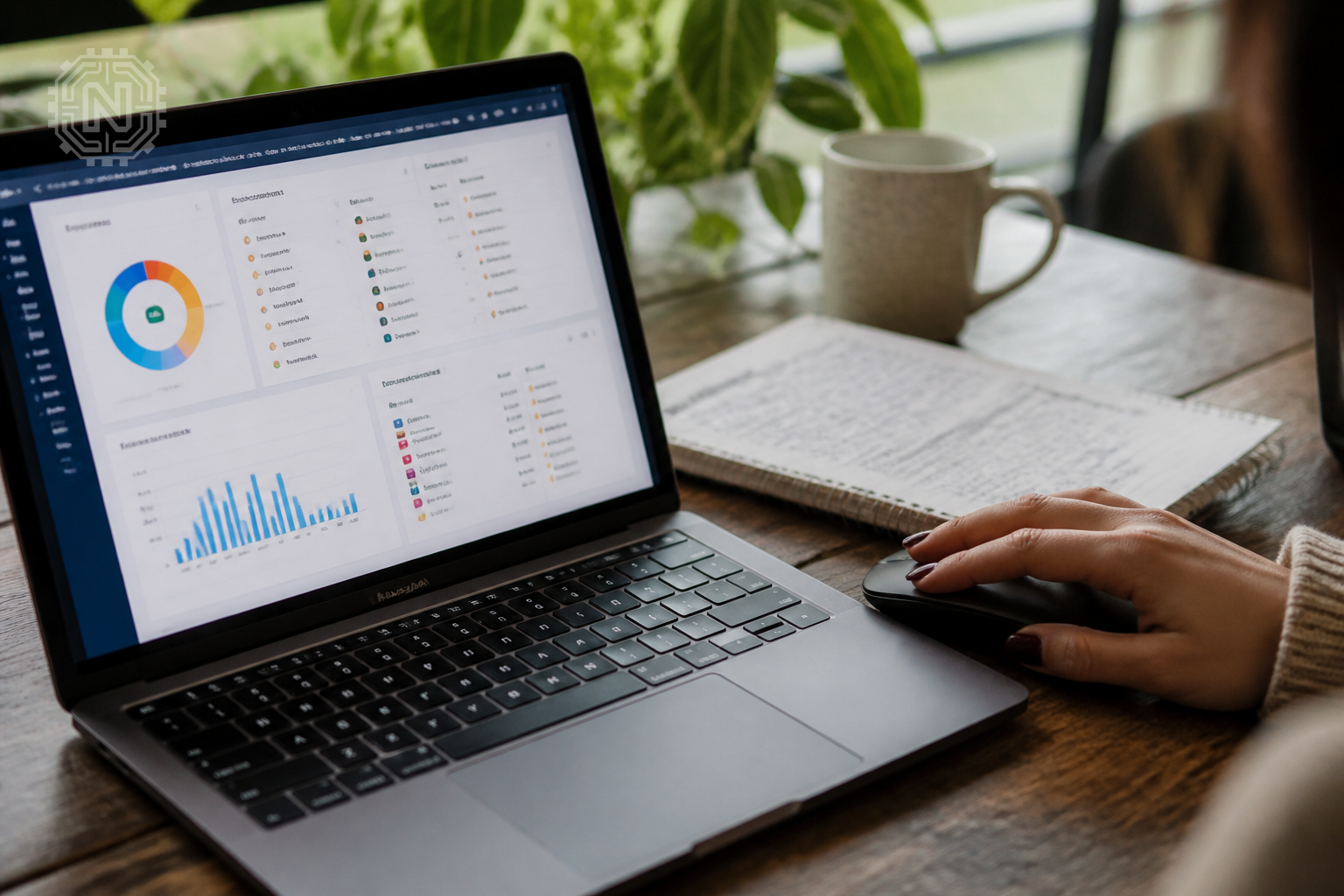
Asana and ClickUp stand out for their comprehensive integration options, which allow teams to centralize their work processes. Customizable dashboards and reporting tools are also critical for monitoring project progress and team performance.
For a deeper dive into how these features impact productivity, visit our article on best AI writing tools for 2026.
How Much Do These Apps Cost?
Pricing for project management apps varies significantly based on features and team size. Asana offers a free tier, while premium plans start at $10.99 per user per month. Trello also provides a free version, with premium plans beginning at $12.50 per user monthly.
Monday.com’s pricing starts at $8 per user monthly, and ClickUp offers a free version with paid plans starting at $5 per user. Wrike's plans begin at $9.80 per user per month. Understanding your budget and the features you require is crucial when selecting a tool.
For further insights on budgeting software tools, check our guide on best personal finance apps for 2026.
What Are the Pros and Cons of Each App?
Each project management app has its strengths and weaknesses. Asana is praised for its user-friendly interface but may lack advanced reporting features. Trello's simplicity is appealing, but it might not be suitable for larger teams needing complex project tracking.
Monday.com offers extensive customization, but this can be overwhelming for new users. ClickUp's all-in-one approach is advantageous, yet it may require a learning curve. Wrike excels in reporting but can be expensive for smaller teams.
For a detailed comparison of these tools, consider our article on best video editing apps for 2026.
User Feedback and Reviews
User feedback is vital when selecting a project management app. Asana users often highlight its ease of use and effective task tracking. Trello fans appreciate its visual layout and simplicity, while Monday.com users commend its flexibility and customization options.

ClickUp has received positive reviews for its comprehensive features, but some users report a steep learning curve. Wrike is favored for its powerful reporting tools, though it may be seen as complex for smaller teams.
For additional insights on user experiences, check out the Capterra reviews for these tools.
Future Trends in Project Management Apps
The future of project management apps lies in enhanced automation and AI integration. Tools are increasingly incorporating features like predictive analytics and automated task assignments to streamline workflows. As remote work continues to dominate, apps will also focus on improving collaboration tools.
Expect to see more integrations with communication platforms and advanced reporting features that provide real-time insights into project performance. Staying ahead of these trends will be essential for teams looking to maintain efficiency and productivity.
For more on emerging technology trends, explore our section on Tech News.
Editorial Sources
Conclusion
Selecting the right project management app can significantly enhance team collaboration and efficiency. As remote work becomes more common, investing in the best tools is essential for success.
Frequently Asked Questions
What are the best project management apps for 2026?
The best project management apps for 2026 include Asana, Trello, Monday.com, ClickUp, and Wrike, each offering unique features for team collaboration.
How do I choose a project management app?
Consider factors like team size, project complexity, required features, and budget to select the best project management app for your needs.
Are there free project management apps?
Yes, many project management apps like Trello and ClickUp offer free versions with essential features for small teams.
What features should I look for in a project management app?
Look for task management, collaboration tools, time tracking, reporting capabilities, and integration with other software.
Can project management apps improve team productivity?
Yes, effective project management apps streamline workflows, enhance communication, and help prioritize tasks, leading to increased productivity.
What is the difference between Asana and Trello?
Asana focuses on task management with advanced features, while Trello uses a card-based system for simpler project tracking.
Are project management apps suitable for remote teams?
Absolutely, project management apps facilitate collaboration and communication, making them ideal for remote teams.
How much do project management apps cost?
Pricing varies widely, with basic plans starting free and premium features costing anywhere from $10 to $30 per user per month. For more on Apps & Software, explore Newtechzy. You can also review our Privacy Policy and Cookie Policy, or learn more About us.
Related Topics
Explore our in-depth reviews to find the perfect project management app for your team. Don't miss out on the latest tools that can boost your productivity!
Start Your Journey Today!


