


Quick Summary
- 2026 offers a variety of powerful video editing apps.
- Each app caters to different editing needs and skill levels.
- Key features include AI tools, user-friendly interfaces, and collaboration options.
- Pricing varies, with both free and premium versions available.
- These apps are shaping the future of video content creation.
As video content continues to dominate online platforms, the search for the best video editing apps 2026 has intensified. Creators are looking for tools that not only enhance their editing capabilities but also streamline the production process. This year, several apps have emerged as frontrunners, each offering unique features tailored to different user needs. Explore more Apps & Software coverage on Newtechzy.
With advancements in technology and a growing emphasis on high-quality content, finding the right video editing app can significantly impact a creator's workflow and output. Here’s a look at the top five video editing apps making waves in 2026.
Best Video Editing Apps 2026: Overview of Top Picks
In 2026, the video editing landscape is more competitive than ever. The demand for user-friendly yet powerful tools has led to the rise of several standout applications. Here’s a brief overview of the best video editing apps this year:
- Adobe Premiere Pro: A professional-grade tool that offers extensive features for both beginners and advanced users.
- Final Cut Pro: Known for its intuitive interface and powerful editing capabilities, ideal for Mac users.
- DaVinci Resolve: Offers advanced color correction and audio editing tools, making it a favorite among filmmakers.
- Filmora: Perfect for beginners, it provides a range of effects and a simple drag-and-drop interface.
- CapCut: A mobile app that’s gaining popularity for its ease of use and robust editing features.
Why Adobe Premiere Pro Remains a Top Choice
Adobe Premiere Pro continues to lead the pack in 2026, attracting both amateur and professional editors. Its comprehensive suite of features allows for intricate edits, support for various formats, and integration with other Adobe products. The app's cloud-based collaboration tools make it easier for teams to work on projects simultaneously, enhancing productivity.
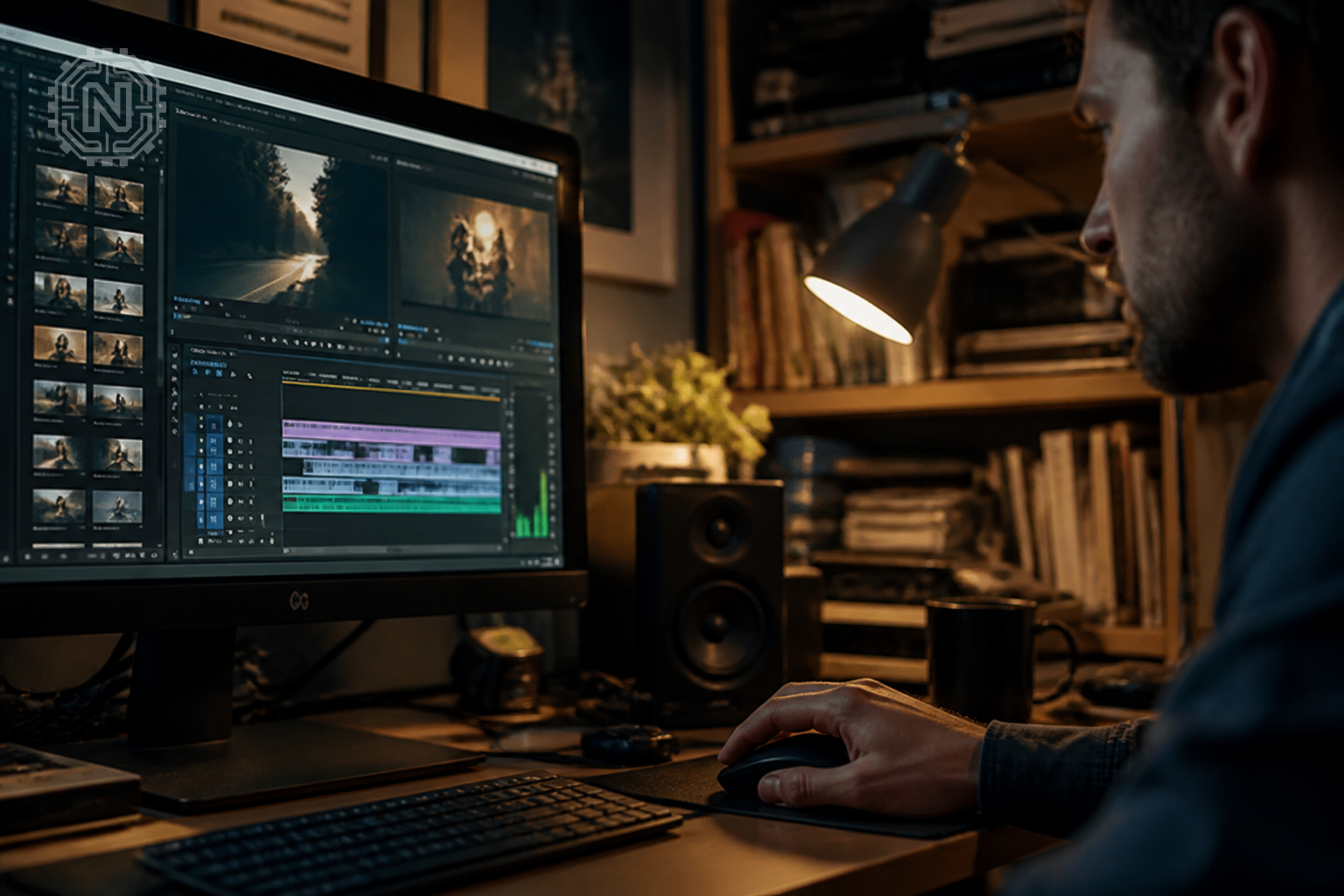
With powerful AI features, such as auto-reframe and scene edit detection, Premiere Pro offers significant time savings. Pricing starts at $20.99 per month, making it a worthwhile investment for serious creators.
Final Cut Pro: The Go-To for Mac Users
Apple’s Final Cut Pro has carved out a niche among Mac users, thanks to its seamless integration with the macOS ecosystem. Known for its magnetic timeline and advanced editing features, it allows for quick edits while maintaining high-quality output.
In 2026, Final Cut Pro has introduced new features, such as multicam editing and improved audio tools, enhancing its functionality for creators. The one-time purchase price of $299.99 makes it an appealing option for those looking to avoid subscription fees.
DaVinci Resolve: The Color Grading Powerhouse
DaVinci Resolve has established itself as a leading choice for color grading and audio post-production. Its free version offers a surprising array of features, while the paid version unlocks advanced tools for professionals.
With its intuitive interface and powerful capabilities, DaVinci Resolve is perfect for filmmakers and content creators focused on visual storytelling. The paid version is priced at $295, which is competitive given its extensive feature set.
Filmora: Best for Beginners
For those new to video editing, Filmora offers an accessible platform with a user-friendly interface. It provides a rich library of effects, filters, and transitions, enabling users to create engaging videos quickly.
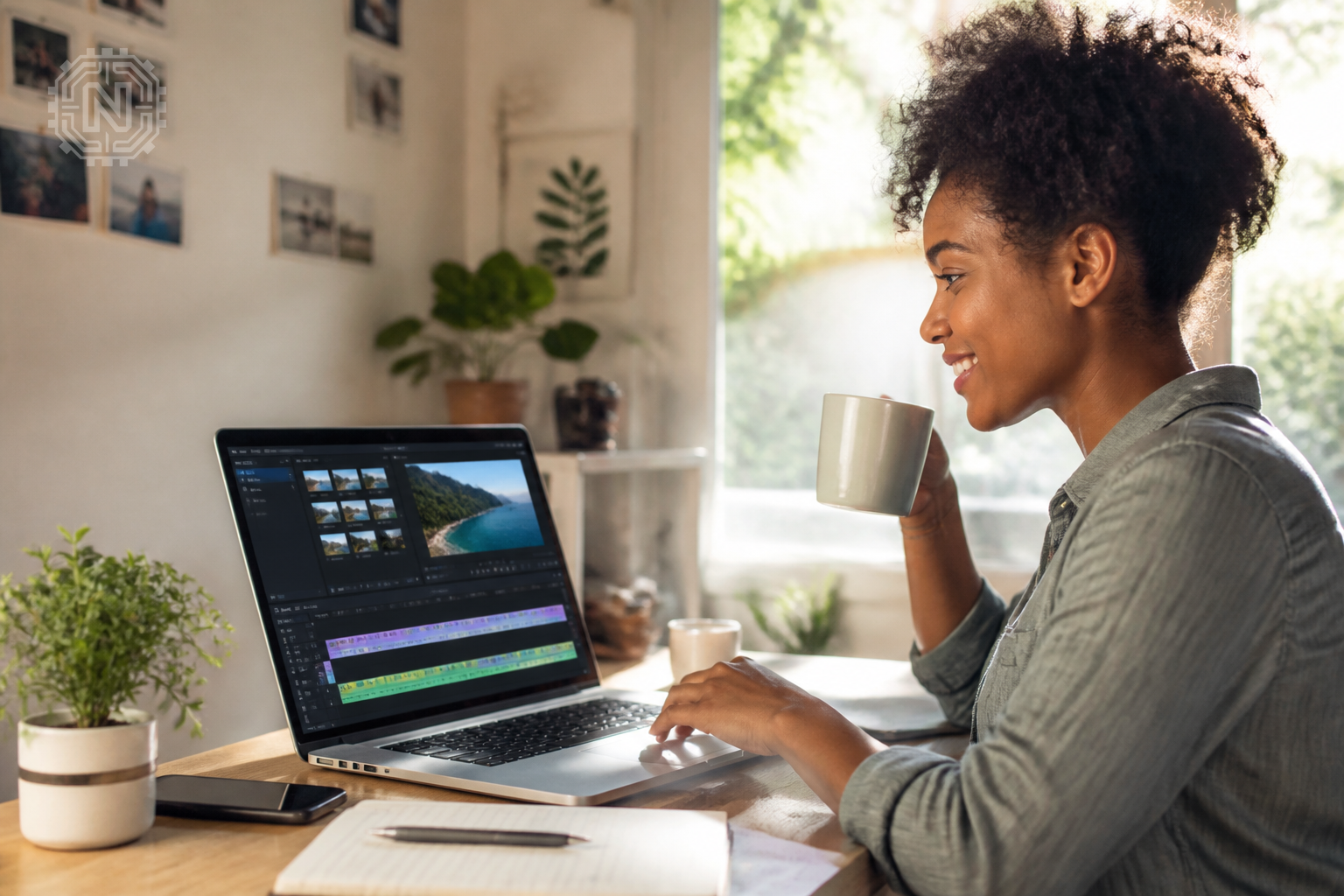
In 2026, Filmora has updated its software to include AI-driven features, such as auto-enhance and smart cut, making it even easier for beginners to produce high-quality content. Pricing starts at $39.99 per year, making it a budget-friendly option.
CapCut: The Mobile Editing Sensation
CapCut has gained traction in 2026 as a leading mobile video editing app. Its simplicity and robust features, such as keyframe animation and advanced filters, have made it a favorite among social media creators.
With its free-to-use model, CapCut is perfect for those who want to edit videos on the go without compromising on quality. It's a powerful tool for anyone looking to create engaging content for platforms like TikTok and Instagram.
Editorial Sources
Conclusion
The best video editing apps of 2026 cater to a diverse range of needs, from professional filmmakers to casual creators. As technology continues to evolve, these tools will play a crucial role in shaping the future of video content creation.
Frequently Asked Questions
What are the best video editing apps for 2026?
The top video editing apps for 2026 include Adobe Premiere Pro, Final Cut Pro, DaVinci Resolve, Filmora, and CapCut.
Which video editing app is best for beginners?
Filmora is ideal for beginners due to its user-friendly interface and easy-to-use features.
Are there free video editing apps available in 2026?
Yes, apps like DaVinci Resolve and CapCut offer free versions with essential editing tools.
What features should I look for in a video editing app?
Look for features like multi-track editing, effects, transitions, and export options.
Can I edit videos on my phone in 2026?
Absolutely, apps like CapCut and InShot provide powerful editing tools for mobile devices.
Is Adobe Premiere Pro worth it for video editing?
Adobe Premiere Pro is highly regarded for its advanced features and integration with other Adobe products, making it worth the investment for serious creators.
How much do video editing apps cost in 2026?
Prices vary; some apps offer free versions, while subscriptions like Adobe Premiere Pro may cost around $20.99 per month.
What is the best video editing app for social media content?
CapCut is popular for social media due to its quick editing features and direct sharing options. For more on Apps & Software, explore Newtechzy. You can also review our Privacy Policy and Cookie Policy, or learn more About us.
Related Topics
Ready to elevate your video editing skills? Explore our top picks and find the perfect app for your creative journey today.
Start Your Journey Today!


