


Quick Summary
- Health is a feature inside ChatGPT, not a separate ChatGPT Health website or standalone app.
- As of July 31, 2026, the general rollout is for logged-in U.S. users aged 18 or older on web and iOS.
- Eligible Free, Go, Plus and Pro users can open Health from the ChatGPT sidebar or More menu.
- Connecting Apple Health or supported U.S. medical records is optional; users can ask general health questions without connecting data.
- Health is designed to support medical care, not diagnose conditions, prescribe treatment or replace a healthcare professional.
Health in ChatGPT is a dedicated ChatGPT experience that can help eligible users understand and organise health information. With permission, it can use connected medical records, Apple Health data and details supplied by the user to provide more relevant explanations and help prepare questions for a healthcare appointment.
Health does not require a separate website, account or standalone application. Users access it through the regular ChatGPT website or the ChatGPT iOS app. The original article's instructions to visit a separate “ChatGPT Health website” and download another application were inaccurate.
Medical Safety Notice
ChatGPT can make mistakes. Health is not intended for diagnosis or treatment and should not replace a doctor, pharmacist, emergency service or other qualified healthcare professional. Seek urgent local medical help for severe symptoms or emergencies.
What Is Health in ChatGPT?
OpenAI first introduced a limited Health experience in January 2026. On July 23, 2026, OpenAI began a broader U.S. rollout that lets eligible users connect supported health information, view recent data and trends, and ask questions grounded in their own health context.
Health can bring together information that may otherwise be spread across patient portals, lab results, medication lists, fitness apps and wearables. For example, an eligible user could ask ChatGPT to explain a lab result in plain language, compare it with earlier results, summarise changes since a previous appointment or identify questions to discuss with a clinician.
The feature does not independently examine a person, confirm a diagnosis or decide which treatment is medically appropriate. It provides informational support based on the available context.
Availability and Requirements
| Requirement | Current Status as of July 31, 2026 |
|---|---|
| Country | General rollout is currently for eligible users in the United States |
| Age | 18 or older |
| Account | A logged-in ChatGPT account |
| Eligible plans | Free, Go, Plus and Pro |
| Platforms | ChatGPT on the web and the latest ChatGPT iOS app |
| Apple Health connection | Available through the ChatGPT iOS app |
| Medical-record connection | Supported U.S. provider portals, One Medical and Function Health |
| Android | Not included in OpenAI's July 23 general-launch announcement |
| Codex | Health is not available in Codex |
The rollout is gradual. Even an eligible U.S. user may not see the Health option immediately. Keep the ChatGPT iOS app updated and check the sidebar or More menu.
Users can still ask general health and wellness questions in ordinary ChatGPT conversations without connecting any personal health account.
How to Set Up Health in ChatGPT
There is no separate download specifically for ChatGPT Health. Use the standard ChatGPT website or official ChatGPT iOS application.
- Sign in to an eligible ChatGPT Free, Go, Plus or Pro account.
- On web or iOS, open the ChatGPT sidebar or select the More menu.
- Select Health.
- Select Get started.
- Choose whether to connect a supported medical-record account, Apple Health or another available source.
- Complete the provider sign-in and permission steps.
- Wait for the selected data to sync. Large histories can take longer than a few minutes.
- Review the imported conditions, medications and other details.
- Add missing information or mark outdated entries as no longer current.
- Ask a question in the Health tab or in another ChatGPT conversation.
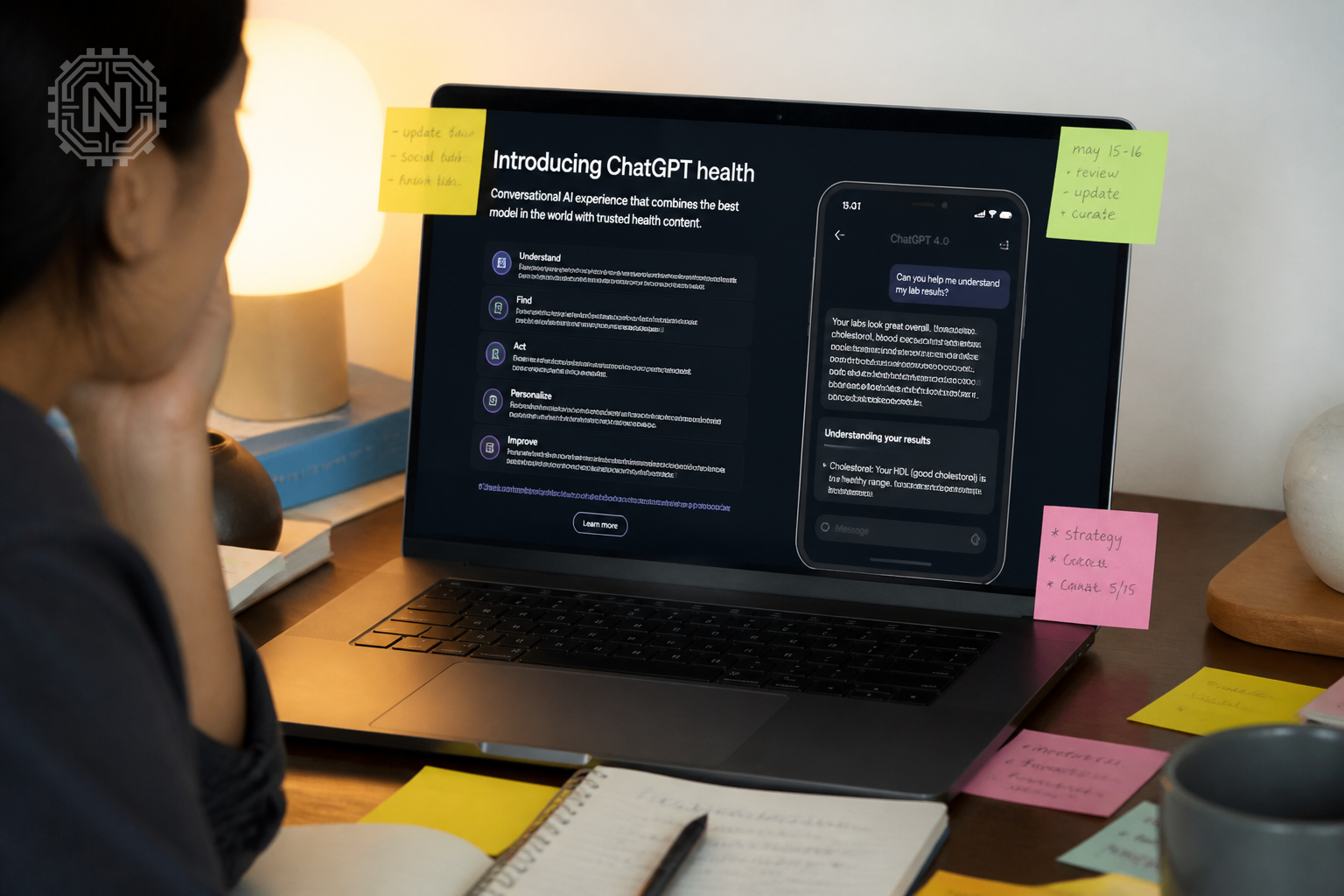
The Health tab serves as the main dashboard for connected accounts, recent data, trends, suggested prompts, synced records and previous health conversations.
How to Connect Medical Records
When an eligible user first opens Health, ChatGPT can guide them through connecting a supported medical-record provider. Connecting records is optional.
- Open Health.
- Open Accounts.
- Select Add account.
- Search for the healthcare provider.
- Sign in through the provider's connection flow.
- Review and approve the requested access.
- Wait for the records to sync.
Supported providers vary. OpenAI currently lists supported U.S. provider portals, One Medical and Function Health. A provider that does not appear in the search cannot be assumed to be compatible.
The connected Health experience is intended for the account owner's own records. Do not connect another person's patient portal to your personal account. OpenAI advises using a separate account or a separate project with project-only memory when working with someone else's information.
How to Connect Apple Health
Apple Health can be connected only through the latest ChatGPT iOS application.
- Open the ChatGPT app on an iPhone.
- Select Health.
- Open the three-dot menu in the upper-right corner.
- Select Apple Health.
- Choose which Apple Health data categories to share.
- Confirm the permissions.
Wearables and fitness services such as WHOOP, Oura, Garmin, Strava or MyFitnessPal may make selected information available to ChatGPT by first syncing that information to Apple Health. Availability varies by app and metric, and proprietary readiness or recovery scores may not transfer.
Connection Is Optional
You do not need to connect Apple Health or medical records to ask ChatGPT general health questions. Connecting data only adds personal context when the feature is available and permission is granted.
How to Use Health in ChatGPT Conversations
After connected information has synced, eligible users can ask questions in the Health tab or elsewhere in ChatGPT. When relevant, ChatGPT may request permission to use the connected Health information.
By default, ChatGPT asks before using connected medical records or Apple Health data to personalise a response. A user can allow access for that request or choose to allow access more broadly. These permissions can later be changed under Settings → Plugins → Health.
If ChatGPT does not use Health context when expected, the user can add @Health to the message to explicitly request it.
Useful Prompt Examples
- “Explain these lab trends in simple language and list questions I should ask my doctor.”
- “Summarise the medication changes shown in my connected records.”
- “Compare my recent sleep and activity patterns, without making a diagnosis.”
- “Help me prepare a concise timeline for my next appointment.”
- “Which details in this record should I confirm with my healthcare provider?”
Prompts should ask for explanations, organisation and appointment preparation rather than a guaranteed diagnosis or treatment plan.
What Can Health in ChatGPT Help With?
According to OpenAI, Health can help users:
- Understand medical language in plain terms
- Review lab results and compare them with earlier results
- Summarise changes since an appointment
- Review medications and connected conditions
- Explore sleep, activity and workout trends
- Prepare questions for a doctor or other healthcare professional
- Organise health history into a clearer timeline
- Track wellness goals using connected context
It should not be described as a certified symptom checker, clinical diagnostic system or treatment service. It may provide general information about symptoms and conditions, but a qualified healthcare professional must evaluate important medical concerns.
Privacy and Data Controls
Health handles sensitive information, so users should understand the available controls before connecting an account.
| Privacy Control | How It Works |
|---|---|
| Model training | Connected medical records, Apple Health data and conversations that use them are not used to train OpenAI's foundation models |
| Advertising | Connected Health information and conversations that use it are not used to target ads |
| Permission prompts | ChatGPT asks before using connected information by default |
| Disconnecting an account | Synced information from that source is scheduled for deletion from OpenAI systems within 30 days |
| Existing conversations | Information already included in conversation history remains until those conversations are deleted |
| Memory | Memories may be created from Health conversations, but not directly from connected medical records or Apple Health data |
| Uploaded files | Files uploaded while using ChatGPT Health are not saved to the user's account or Library |
To disconnect an account, open Health → Accounts and remove the selected connection. To avoid creating memories from a sensitive conversation, use Temporary Chat or turn off memory in Settings → Memory.

No digital service should be described as completely risk-free. Before connecting sensitive records, review OpenAI's current Health Privacy Notice, account permissions and the privacy policies of the medical provider or app being connected.
How to Use ChatGPT Health Safely
- Use it to understand information and prepare for care, not replace professional medical judgement.
- Check imported medications and conditions because synced records may be incomplete or outdated.
- Verify important statements against the original lab report, prescription, discharge note or clinician advice.
- Do not delay urgent care because of a ChatGPT response.
- Do not change medication dosage or stop treatment without consulting the prescribing professional.
- Avoid connecting another person's records to your account.
- Share only the minimum information needed for the question.
- Delete sensitive conversations when they are no longer needed.
Emergency Reminder
For chest pain, severe breathing difficulty, signs of stroke, major bleeding, poisoning, a serious allergic reaction, thoughts of self-harm or another emergency, contact local emergency services or qualified medical help immediately.
Important Limitations
ChatGPT may misunderstand a record, miss context or produce incorrect information. Connected records may also contain outdated medications, incomplete diagnoses or data-entry errors.
The feature cannot perform a physical examination, measure vital signs independently, order a test, write a legally valid prescription or guarantee that an interpretation matches a clinician's conclusion.
Health-data availability varies by provider and application. Some data from wearables may not sync, and proprietary scores may be unavailable. Responses also depend on the quality and completeness of the connected information.
OpenAI states that Health supports medical care but does not replace it. Important decisions should be confirmed with a qualified healthcare professional who understands the user's full medical history.
Is ChatGPT Health Available in India?
OpenAI's July 23, 2026 general-launch announcement covers logged-in users aged 18 or older in the United States on web and iOS. As of July 31, 2026, OpenAI has not announced a general rollout date for India.
Indian users can continue asking general health questions through regular ChatGPT, subject to the normal plan limits and supported-country availability. However, they should not expect the connected Health dashboard, U.S. provider-portal integration or Apple Health connection unless OpenAI expands access to their account and region.
Do not use a VPN, false location or someone else's medical-provider credentials to bypass regional restrictions. Wait for official availability inside the ChatGPT account.
Editorial Sources
Conclusion
Health in ChatGPT is a built-in ChatGPT experience, not a separate health website or application. Its current general rollout is limited to eligible U.S. adults using web or iOS on Free, Go, Plus and Pro plans.
Eligible users can connect supported medical records and Apple Health data, review trends and ask questions grounded in their own information. The feature can help explain and organise health information, but it is not intended to diagnose conditions, prescribe treatment or replace professional medical care.
Frequently Asked Questions
What is Health in ChatGPT?
It is a built-in ChatGPT experience that can use connected health information, with permission, to help eligible users understand records, review trends and prepare for medical conversations.
Do I need to download a separate ChatGPT Health app?
No. Health is accessed through the regular ChatGPT website or the official ChatGPT iOS app.
Who can use Health in ChatGPT?
As of July 31, 2026, OpenAI is rolling it out to logged-in Free, Go, Plus and Pro users aged 18 or older in the United States on web and iOS.
Can I use ChatGPT for health questions without connecting records?
Yes. Users can ask general health questions without connecting Apple Health or medical records.
Which health accounts can be connected?
Supported connections currently include Apple Health on iOS, supported U.S. provider portals, One Medical and Function Health.
Is connected Health data used to train OpenAI's foundation models?
OpenAI states that connected medical records, Apple Health data and conversations that use them are not used to train its foundation models or target ads.
Can ChatGPT Health diagnose a medical condition?
No. Health is intended to support medical care and is not designed to replace diagnosis, treatment or professional clinical judgement.
Is ChatGPT Health available in India?
OpenAI has not announced a general India rollout date as of July 31, 2026. The current general launch is for eligible U.S. users.
Related Topics
Explore more fact-checked AI, software and how-to guides from Newtechzy.
Explore How-To Guides


