


Quick Summary
- Start with a clear creative goal before choosing an AI image generator.
- Leading 2026 workflows include ChatGPT Images, Midjourney on the web, and Adobe Firefly.
- Strong prompts describe the subject, composition, style, lighting, color, perspective, and constraints.
- Professional results usually require several generations, targeted edits, and a final quality check.
- Commercial rights and copyright protection depend on platform terms, human contribution, source material, and local law.
AI-generated art has moved from a novelty to a practical creative tool for illustrations, marketing visuals, concept art, product mockups, social posts, storyboards, and design experiments. Modern generators can create a new image from a prompt, transform an uploaded picture, replace selected areas, adjust composition, and produce variations without forcing the creator to restart from zero.
The technology is easier to access than before, but high-quality results still depend on human direction. The most reliable workflow combines a clear brief, a suitable tool, structured prompts, iterative editing, and a final review for visual errors, misleading details, brand conflicts, and usage rights.
Key Takeaway
An AI image generator is not a one-click substitute for creative judgment. Treat it as a collaborative production tool: provide direction, evaluate each result, correct problems, and document the final decisions.
What is AI-generated art?
AI-generated art is visual content created or modified by a generative model in response to text, reference images, sketches, masks, layout instructions, or a combination of these inputs. The output may look like photography, painting, 3D art, editorial illustration, anime, collage, product design, typography, or another visual medium.
The creator's role can include defining the concept, writing prompts, selecting references, choosing variations, directing edits, combining outputs, retouching details, and preparing the final image for publication. This human contribution is important for creative quality and may also matter when assessing rights in the finished work.
How AI image generators work
Most modern image generators learn statistical relationships between visual patterns and language from large training datasets. During generation, the system converts your instructions into internal representations and progressively constructs or refines an image that matches those instructions.
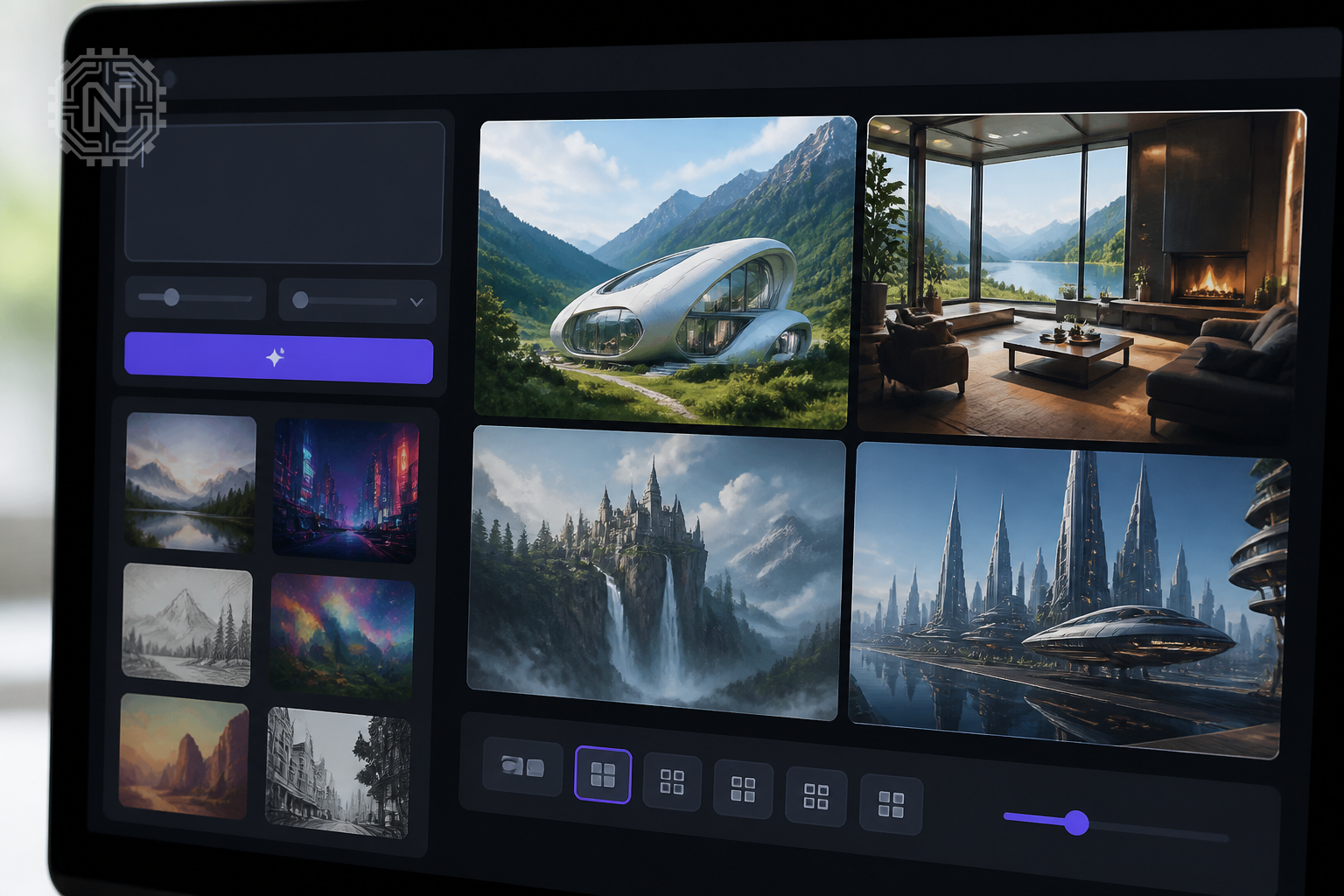
Many systems use diffusion-based techniques, although product architectures can differ. A simplified explanation is that the model begins with visual noise or an intermediate representation and repeatedly predicts a cleaner result. Additional components help interpret text, preserve image structure, follow reference images, render typography, or edit only a selected region.
Why Results Can Vary
- The same prompt can produce different compositions because generation includes controlled randomness.
- Small wording changes may alter the subject, camera angle, lighting, or visual hierarchy.
- Reference images and edit masks can provide more control than text alone.
- Complex scenes, precise anatomy, repeated objects, and long text may still need correction.
Leading AI art tools in 2026
The best tool depends on the type of image you need, how much editing control you want, and where the image will be used. In 2026, three widely used options cover different creative workflows.
| Tool | Best suited for | Notable strengths | Workflow note |
|---|---|---|---|
| ChatGPT Images / GPT Image 2 | Instruction-heavy images, layouts, text inside images, and conversational editing | Strong prompt following, image editing, flexible formats, and iterative revisions | Useful when you want to discuss changes in natural language and refine the same concept |
| Midjourney | Stylized visual exploration, concept art, mood development, and distinctive aesthetics | Web creation tools, personalization, moodboards, style references, and a dedicated editor | Works well for creators who want to explore many art directions before selecting a final look |
| Adobe Firefly | Design and marketing workflows connected to Adobe creative tools | Image generation and editing, Creative Cloud integration, multiple creative media types, and partner models | Review the terms for the specific model and feature selected inside Firefly |
Do Not Choose by Image Quality Alone
- Check supported aspect ratios, export resolution, editing tools, privacy settings, and price.
- Confirm whether uploaded images may be used for training or service improvement.
- Review commercial-use terms for your subscription and selected model.
- Test the tool with your real workflow before adopting it for client or production work.
How to create AI art step by step
1. Define the purpose
Decide where the image will appear and what it must achieve. A blog hero image, product mockup, social graphic, book illustration, and presentation cover require different compositions and levels of detail.
2. Choose the required format
Set the aspect ratio and output orientation before generation. For example, use a square layout for many featured images, a 16:9 landscape frame for article content or video thumbnails, and a vertical layout for stories or reels.
3. Write a structured first prompt
Describe the main subject first, followed by the environment, composition, style, lighting, colors, perspective, and important restrictions. Avoid filling the prompt with unrelated adjectives.
4. Generate several variations
Create enough alternatives to compare composition, subject accuracy, lighting, and visual hierarchy. Select the strongest base image instead of trying to repair a fundamentally weak result.
5. Refine with targeted edits
Ask for one meaningful change at a time, such as moving the subject, simplifying the background, correcting text, changing the camera angle, or replacing an object. Targeted revisions are easier to evaluate than a long list of simultaneous changes.
6. Perform a final quality check
Zoom in and inspect hands, eyes, reflections, shadows, logos, signs, repeated objects, small accessories, and text. Also verify that the image does not falsely imply a real event, endorsement, product feature, or person.
A Reliable Production Rule
Generate for concept, edit for accuracy, and export only after checking context, rights, and technical quality.
How to write effective AI art prompts
A useful prompt behaves like a compact creative brief. It should give the model enough information to build the scene while leaving room for visual coherence.
Practical Prompt Formula
Subject + action + setting + composition + visual medium + lighting + color palette + perspective or camera + output format + constraints
Example: editorial technology illustration
Editorial illustration of a digital artist collaborating with an AI image generator, modern creative studio, laptop and drawing tablet visible, balanced wide composition, polished 3D illustration, soft cinematic lighting, blue and violet accents, realistic materials, 16:9 landscape, no logos, no watermark, minimal readable interface text.
Example: realistic product scene
Premium wireless headphones on a clean studio pedestal, three-quarter product angle, soft gradient background, controlled rim lighting, realistic commercial photography, sharp product details, subtle shadow, space on the left for a headline, 1:1 square, no brand name, no extra objects.
Example: targeted revision
Keep the subject, pose, camera angle, and lighting unchanged. Remove the background text, simplify the desk, correct the fingers on the left hand, and leave more negative space above the subject.
Negative instructions can help, but they should be specific. Instead of writing “make it perfect,” identify the problem: “no duplicated fingers,” “no distorted typography,” “no watermark,” or “do not crop the product.”
How to refine AI-generated images
Professional-looking AI art usually comes from iteration. Use inpainting or selective editing to repair isolated regions, image references to preserve visual direction, and manual tools when exact brand or layout control is required.
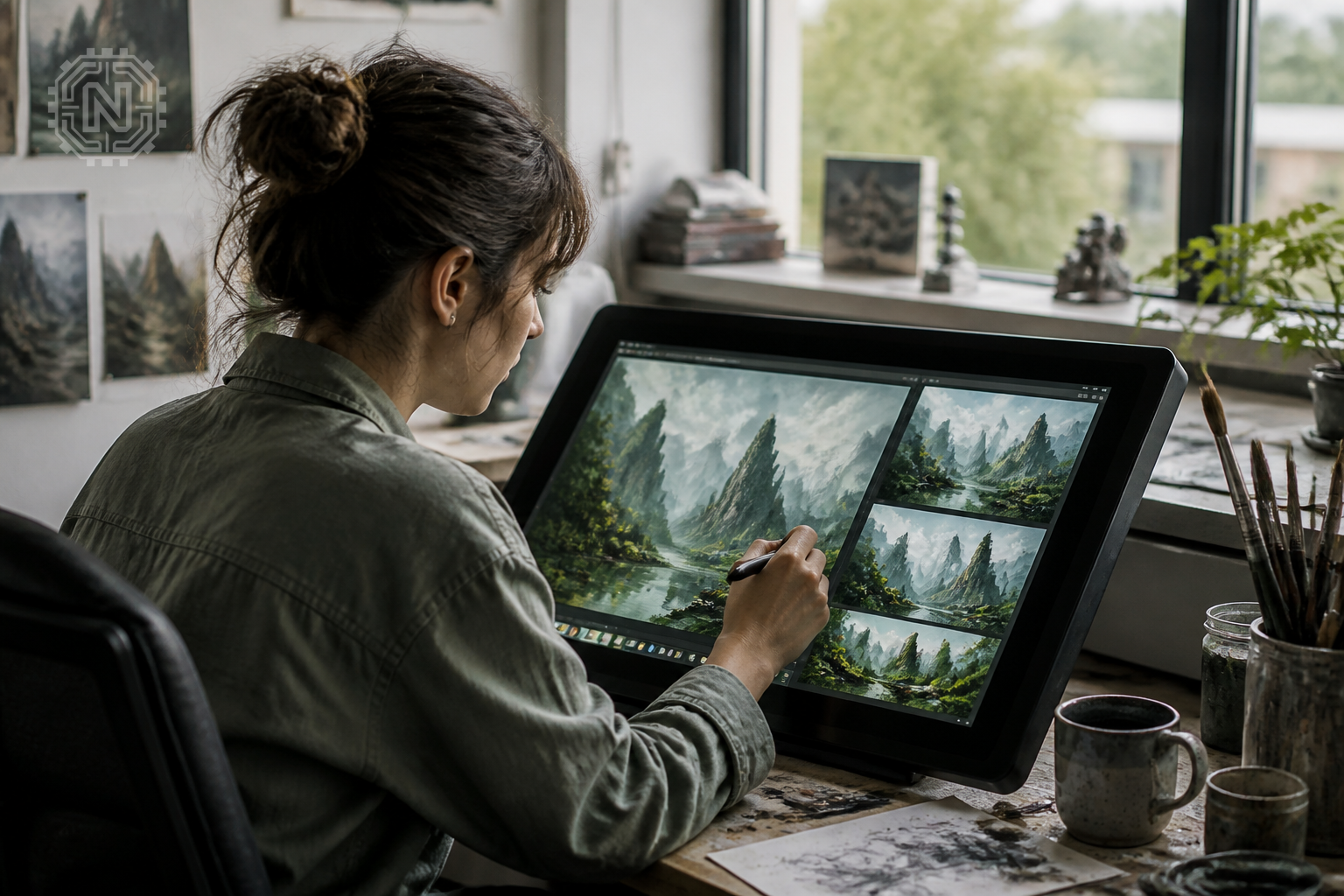
Correct one category of error at a time
- Composition: adjust cropping, subject placement, negative space, or visual hierarchy.
- Anatomy: repair hands, faces, posture, and object interaction.
- Typography: regenerate short text or replace it manually for exact spelling and font control.
- Consistency: reuse approved references, colors, camera language, and style instructions.
- Technical finish: retouch artifacts, apply color correction, sharpen carefully, and export at the required dimensions.
AI Editing vs. Manual Editing
- Use AI editing for fast object replacement, background changes, variations, expansion, and broad stylistic revisions.
- Use manual editing for exact typography, logos, legal disclaimers, pixel-level corrections, print preparation, and strict brand compliance.
Copyright, ethics, and commercial use
Do not assume that paying for an AI tool automatically gives you unrestricted rights to every output. Usage depends on the service terms, selected model, subscription, local law, and the rights attached to your input material.
In the United States, the Copyright Office distinguishes human-authored expression from material generated by AI. Prompting alone does not automatically make purely AI-generated material copyrightable, although human selection, arrangement, editing, or other original expression may be protectable when it is sufficiently creative. Other countries may apply different rules.
Before Publishing or Selling AI Art
- Read the platform's current terms and model-specific licence.
- Use only reference images, fonts, logos, and characters you are allowed to use.
- Avoid presenting a fictional AI image as documentary evidence.
- Get permission before creating sensitive or misleading depictions of identifiable people.
- Keep records of prompts, source assets, edits, licences, and approvals for important commercial work.
The future of AI-generated art
AI image tools are moving toward more controllable editing, better typography, stronger identity and character consistency, flexible aspect ratios, multimodal workflows, and closer integration with design software. Personalization systems and reusable visual references are also making it easier to maintain a consistent aesthetic across multiple images.
The most valuable skill will not be memorizing prompt tricks. It will be translating a creative goal into clear visual direction, recognising weak outputs, making precise corrections, and using AI responsibly within a broader design process.
Editorial Sources
Conclusion
Creating impressive AI-generated art in 2026 is less about finding a magical prompt and more about following a disciplined creative workflow. Choose a tool that fits the job, write a focused brief, generate multiple options, refine the best result, and complete a careful technical and legal review before publishing.
AI can accelerate visual production, but the creator remains responsible for the concept, selection, accuracy, ethics, and final presentation.
Frequently Asked Questions
What is AI-generated art?
AI-generated art is visual content produced or transformed by a generative AI system from text instructions, reference images, sketches, masks, or other creative inputs.
Do I need coding skills to create AI art?
No. Consumer tools such as ChatGPT Images, Midjourney, and Adobe Firefly provide visual interfaces. Coding is mainly useful when developers want to automate image generation through an API.
Which AI image generator is best in 2026?
There is no single best tool for every workflow. ChatGPT Images is strong for instruction-following and iterative edits, Midjourney is popular for stylized image exploration and personalization, and Adobe Firefly fits well into Adobe-centered production workflows.
How can I write better AI art prompts?
Describe the subject, action, setting, composition, visual medium, lighting, color palette, camera or perspective, aspect ratio, and any elements that must be included or excluded.
Why do AI-generated images contain mistakes?
Generative models predict visual patterns rather than constructing scenes from a perfect physical model. Complex hands, crowded scenes, tiny objects, repeated patterns, and long text can still require multiple edits.
Can I use AI-generated images commercially?
Commercial-use rights depend on the platform terms, the selected model, your inputs, and local law. Review the tool's current terms and confirm that reference images, logos, characters, and other source material are licensed for your use.
Are AI-generated images protected by copyright?
Copyright treatment varies by country. In the United States, the Copyright Office says protection applies to human-authored expression, while purely AI-generated material is not protected simply because a person supplied a prompt.
Should AI-generated images be labelled?
Disclosure requirements depend on the publication, platform, client, and jurisdiction. Clear labelling is a good editorial practice when an image could be mistaken for documentary evidence or a real event.
Related Topics


